中山市博安通通信技术有限公司
ZHONGSHAN B&T TECHNOLOGYCo., Ltd
OTA is finished. Please reset device. Ota is finished. Please reset device. At this time restart
the module OTA more
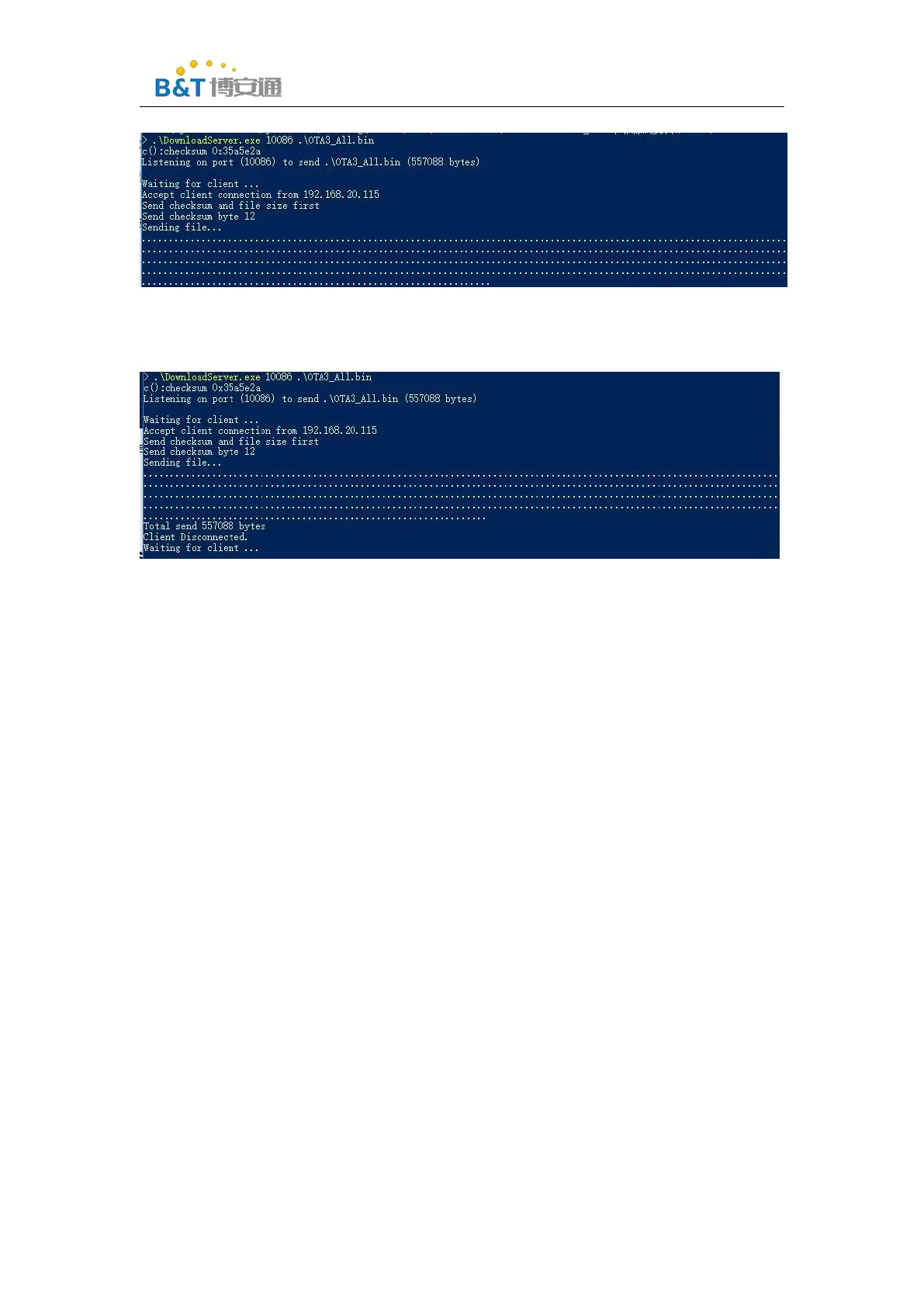
The new is complete, and the server side is shown as follows.
6.2
Appendix 2:simple config network configuration process
(1)
Mobile phone installation sdk\tools\simple_config_wizard_3.4b\Android configuration tools in
the directory
SimpleConfigWizard_v115.apk
(2)
Connect the mobile phone to the Wi-Fi network
(3)
Click configure new device



 To Next Page