PORTABLE TWO-WAY RADIO PORTABLE TWO-WAY RADIO
21 22
•Repeat the above operation, select OFF and turn OFF
the Dual Standby function.
•In dual standby mode, the radio is in the scanning status
of main and secondary channels. Even if the power saving
function is enabled, the power saving function is still
invalid, and the standby time of the interphone will be
shortened.
Channel Deleted
1) Press【MENU】to enter menu mode.
2) Press【▲】/【▼】to select “Delete”, Or enter the
number 7 directly into the menu item.
3) Press【MENU】to select, then the radio voice prompts
“Delete Channel”
4) Press【▲】or【▼】 to select the channel to delete.
·If the numeric prefix displays the character "CH-," it
indicates that the channel number already has channel
parameters, which can be deleted
·If the number prefix does not have the display character
"CH-", it means that the channel number has no parame-
ters, does not need to be deleted, and can be stored.
5)Press【MENU】the radio voice prompts “confirm” to
Save and return to the previous menu.
·If the channel has no parameters, press [MENU] key to
directly return to the previous menu (no voice prompt).
Memory Channel
Example: The channel parameters are as follows and are
stored in the channel number 001
①Rx Frequency: 440.5 MHZ
②Tx Frequency: 430.5 MHZ
③Rx DCS/CTCSS: D031N
④Tx DCS/CTCSS: D031N
⑤Tx Power: High
⑥Bandwidth: Wideband
Operating Steps:
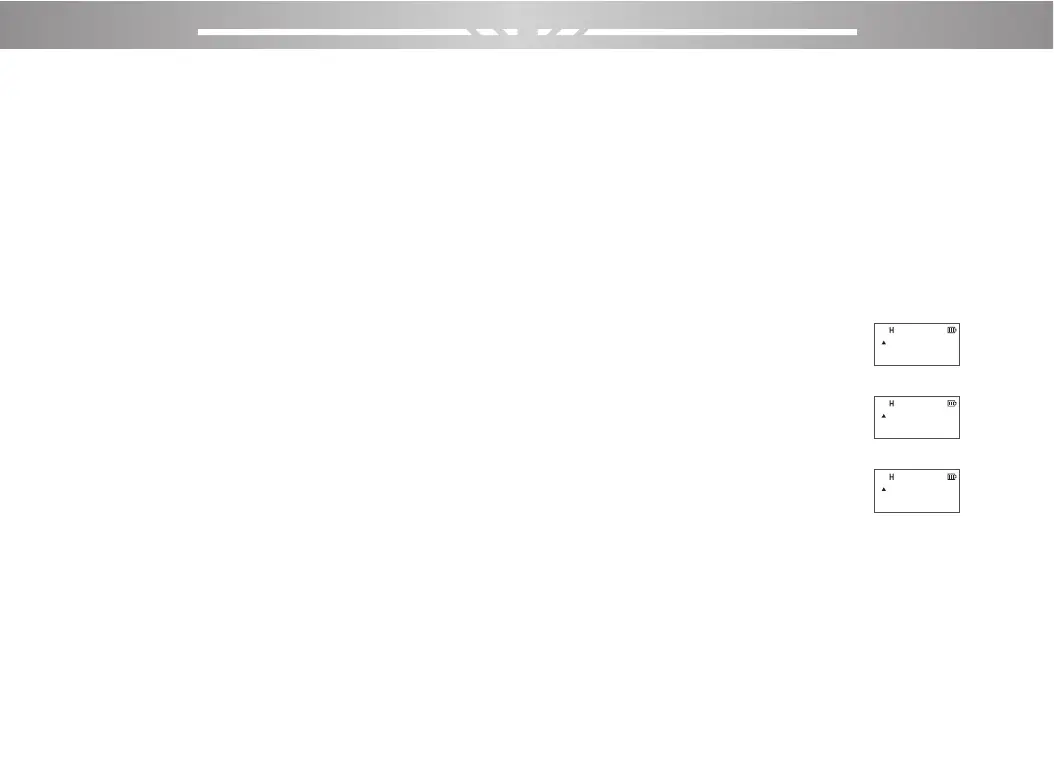
1.Press the [VFO/MR] key to switch to VFO mode and
the screen will display
2.In frequency mode, press [A/B] to make the frequency
pointer symbol point to A .
3.Press the number key 4, 4, 0, 5, 0, 0 successively, and
the frequency to 440.500MHZ to
display on the screen.
4.Power Settings:Press the [MENU] → Keyboard [2] →
[MENU] →【▲】or【▼】 to select ‘HIGH’→ [MENU],
5.Bandwidth:Press the Keyboard [5] → [MENU] →【▲】
or【▼】to select ‘WIDTH’→ [MENU],
6.Rx DCS:Press the Keyboard [1] and [0] → [MENU] →
【▲】or【▼】to select ‘D031N’→ [MENU],
DCS
400.50000
173.97500
DCS
400.50000
173.97500
DCS
400.50000
173.97500



 To Next Page