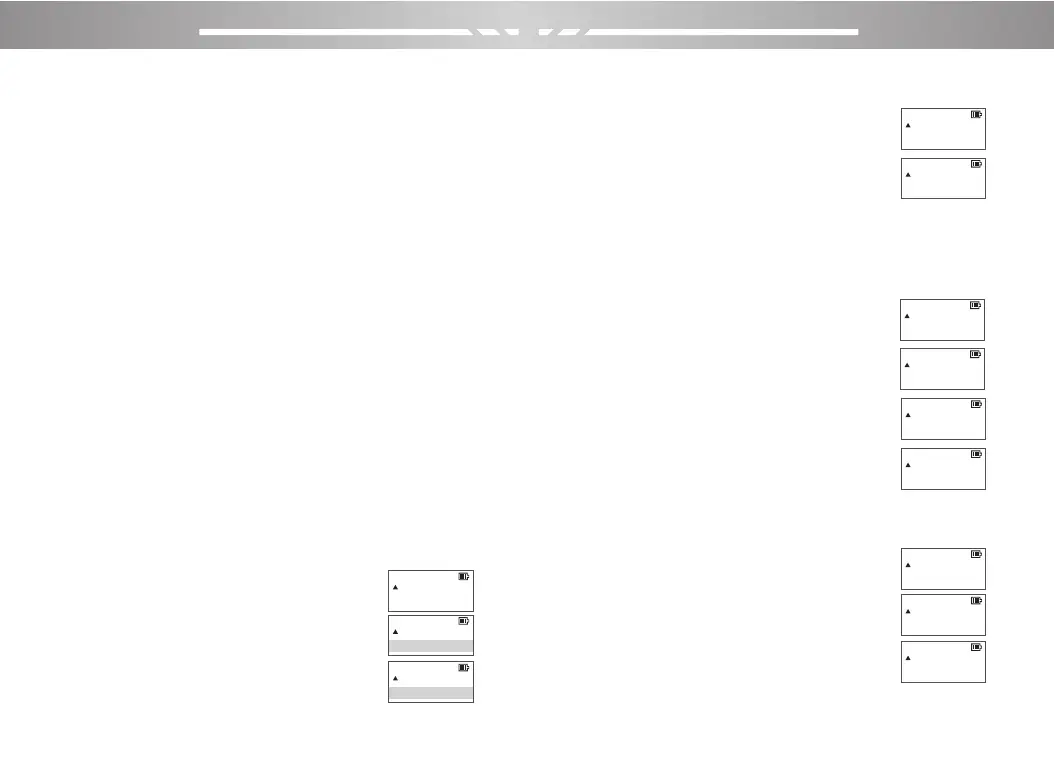
4)Press the 【MENU】,then the radio voice prompts
“Receive Memory”, the screen display ,then press the
【MENU】,then the radio voice
prompts “Memory Channel”.
5)Press the 【MENU】,then the radio voice
prompts “transmit Memory”, the screen display.
6)Press [BACK] to frequency mode.
10.Channel saves settings for receiving and transmitting at
different frequencies:
1)Press the [MENU] → Keyboard [2]
and [5], the screen display.
2)Press the【MENU】,then the radio voice
prompts “Memory Channel”, the screen display.
3)Press the【▲】/【▼】to select empty
channel, the screen display.
4)Press the 【MENU】,then the radio voice
prompts “Receive Memory”, the screen display.
5)Press [BACK] to frequency mode.
6)Follow step 3 and enter the desired transmit frequency;
7)Press the [MENU] → Keyboard [2]
and [5], the screen display .
8)press the【MENU】,then the radio voice
prompts “Memory Channel”, the screen display.
9)Press the 【MENU】,then the radio voice
prompts “transmit Memory”, the screen display.
10)Press [BACK] to frequency mode.
PORTABLE TWO-WAY RADIO PORTABLE TWO-WAY RADIO
23 24
·Setting the receive CDCSS, and automatically turn off the
receive CTCSS; similarly, setting the receive CTCSS will
automatically turn off receive CDCSS.
To set CTCSS: Press the [MENU] → Keyboard [1] and [1]
→ [MENU] →【▲】or【▼】to select CTCSS →
[MENU]。
7.Tx DCS: Press the Keyboard [1] and [0] → [MENU] →
【▲】or【▼】to select ‘D031N’→ [MENU]
·Setting the transmit CDCSS, and automatically turn off the
transmit CTCSS; similarly, setting the transmit CTCSS will
automatically turn off transmit CDCSS.
To set CTCSS: Press the [MENU] → Keyboard [1] and [3]
→ [MENU] →【▲】or【▼】to select CTCSS → [MENU]
·When setting up CTCSS, it can be entered numerically
through the keyboard (non-standard and standard). If you
select by the【▲】or【▼】 keys, you can only select
standard CTCSS.
8.PTT-ID:Press the Keyboard [1] and [8] →[MENU]→
【▲】or【▼】to select ‘OFF’→ [MENU].
9.Channel saves settings for receiving and transmitting at
the same frequency:
1)Press the【MENU】,Press the Keyboard
[2] and [5] to display on the screen.
2)Press the【MENU】,then the radio voice
prompts “Memory Channel”, the screen display.
3)Press the【▲】/【▼】to select empty
channel, the screen display
memory
CH-000
25
memory
CH-000
25
memory
CH-000
25
memory
CH-000
25
memory
001
25
memory
CH-001
25
memory
CH-001
25
memory
CH-001
25
memory
CH-001
25
memory
CH-001
25
memory
CH-001
25
memory
CH-001
25



 To Next Page