PORTABLE TWO-WAY RADIO PORTABLE TWO-WAY RADIO
Icon
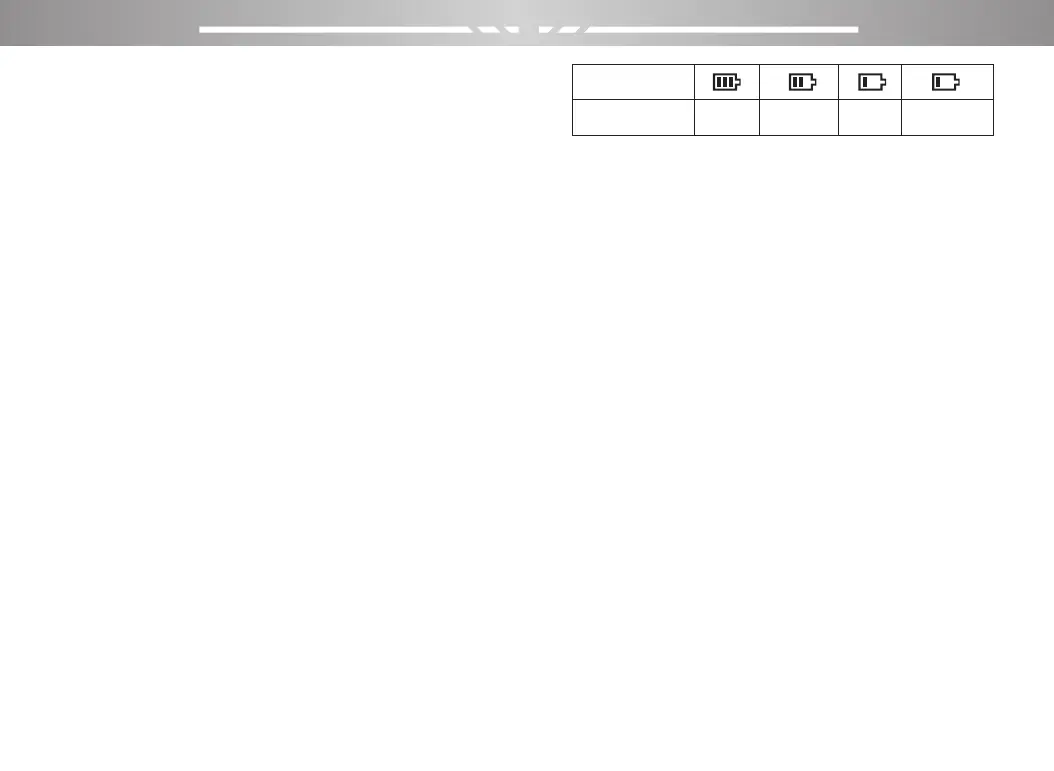
Battery power
High Medium Low Insufficient
11 12
●Extend battery life
★Battery performance will reduce below -20 ℃ tempera-
ture conditions. Prepare back-up batteries for use in colder
weather. Please do not throw away cold batteries that
cannot work. These batteries may be used at room
temperature.
★Dusting the battery contacts may affect the battery life.
Please wipe the contacts with a clean, dry cloth before
inserting the batteries into the walkie-talkie.
●Battery storage needs to know
1.Since the battery will have a self-discharge phenome-
non, the battery when not in use for a long time, please
fully charge the battery and then stored to avoid over-dis-
charge of its battery to damage the battery.
2. When the battery is in storage, remove the battery to
recharge when stored about 6 months. To avoid over-dis-
charge of electrolyte affect battery capacity.
3. Pay attention to the temperature and humidity of the
battery storage environment. Store the battery at room
temperature in a cool, dry place to minimize self-discharge
of the battery.
Battery Voltage & Power Indication
Long press the 【0】 key for display battery voltage,
The top right of the screen shows the current battery
power icon is as follows:
Basic Operation
Power on/off
To turn on the power, turn the【Power Switch / Volume
Control】 knob clockwise until you hear a "click" sound
and a short beep sounds. To turn off the radio, turn the
knob counterclockwise until you hear a click.
Adjusting Volume
After turning on, turn the [Power switch / volume control]
knob clockwise to increase the reception volume, and turn
counterclockwise to reduce the reception volume.
Dual Standby Mode to Switch
Dual band mode can be selected through the menu; the
path is as follows:
1.Press【MENU】to enter menu mode.
2.Press【▲】/【▼】to set, then press【MENU】to
select.
3.Press【▲】/【▼】to the radio setting, then press
【MENU】to select.
4. Press【▲】/【▼】to “Dual Standby”, then press
【MENU】to select.



 To Next Page