[PTT] Key(Transmit Key)
Transmit and receive conversion key: when transmitting,
press this key and speak into the microphone; Release this
key when receiving.
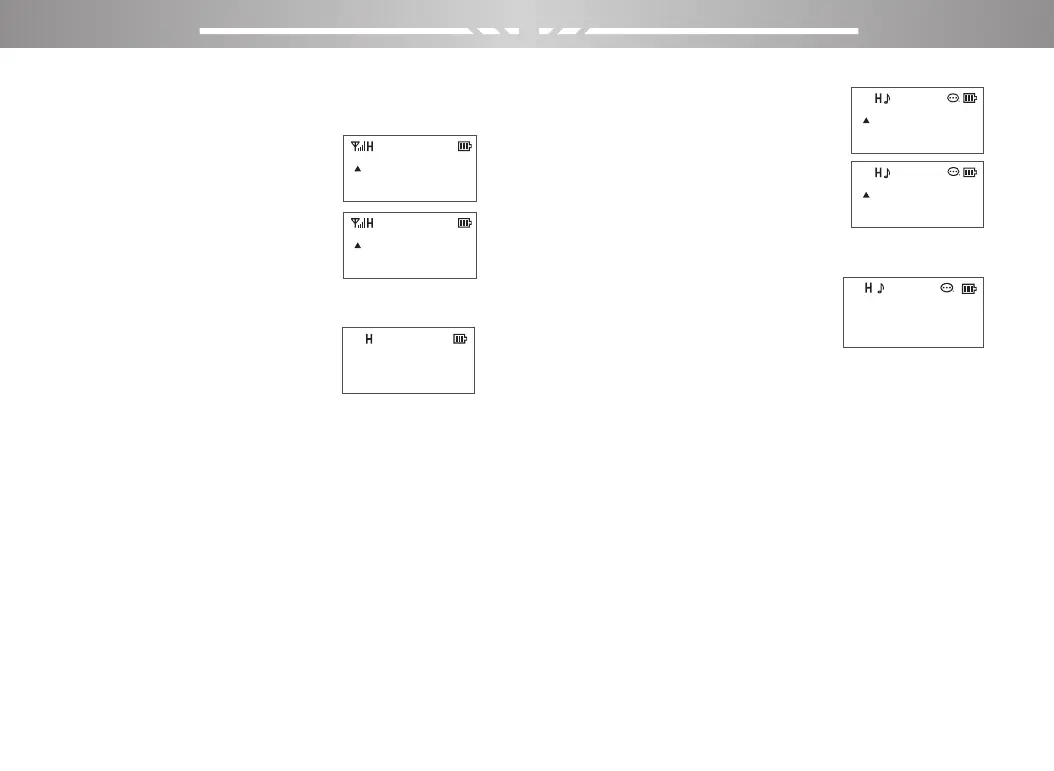
1、Transmit Interface
2、Receive Interface
(Triangle icon flicker)
Side key 1(CALL Key)
Press the button to turn on the FM radio, and then press
the button to turn off the FM radio.
FM Radio Interface
Side key 2( MONI Key)
Long press this key to monitor function. In channel mode,
short press to temporarily switch high, medium and low
transmission power. In frequency mode, short press can
change high, medium and low transmission power.
Orange Key
Long press this button to turn on the alarm function, short
press again to close.
LCD Screen
For display all working status of the Radio.
VFO/MR key
For frequency mode and channel
mode switching
1、Standby for frequency mode
2、Standby for channel mode
Function of the keyboard
Menu select/confirm key: [MENU]
Use this key to activate menu mode and select items in the
menu mode.
MENU Interface
“▲” UP Key: (Long press for more than 2 seconds to
move forward quickly)
“▼“ DOWN Key: (Long press for more than 2 seconds to
back wrods quickly)
[BACK]
Exit/clear key (In the input
status, clear the input information)
Numeric keypad
For enter information into the programming menu of a
radio; in the non-standard CTCSS editing status, the
non-standard CTCSS can be directly input, and the
corresponding DTMF encoding will be issued when the
number key is pressed in the transmit status.
PORTABLE TWO-WAY RADIO PORTABLE TWO-WAY RADIO
400.12500
136.17500
400.12500
136.17500
400.12500
136.17500
400.12500
136.17500
DCS
DCS
D
DCS
D
FM
98.000
DCS
1
2
Squelch
DCS
D
00
5
DCS
03 04



 To Next Page