NOTE: The frequency will be modified according to the frequency
range set on the writing frequency software. If the limit frequency
range is exceeded, the LCD displays "Illegal reception
frequency" or "Illegal transmission frequency", the modified value
is invalid and returns.
Color code : Color code can mark a system, and the terminals
that communicate with each other must set the same color code.
Range: Integer from O to 15.
Relay time slot : Select the time slot for voice calls and data
transmission.
NOTE: a non-repeater digital channel can be configured for dual
capacity direct mode by computer configuration software. This
mode supports parallel direct mode transmission of two two-way
radios transmitting on 12.5KHz channel bandwidth. The radios
in the same communication group must use the same time slot,
and the group using slot 1 will not interfere with the group using
slot 2.
Appendix
Firmware Update
1. Turn off the radio, and insert the programming cable;
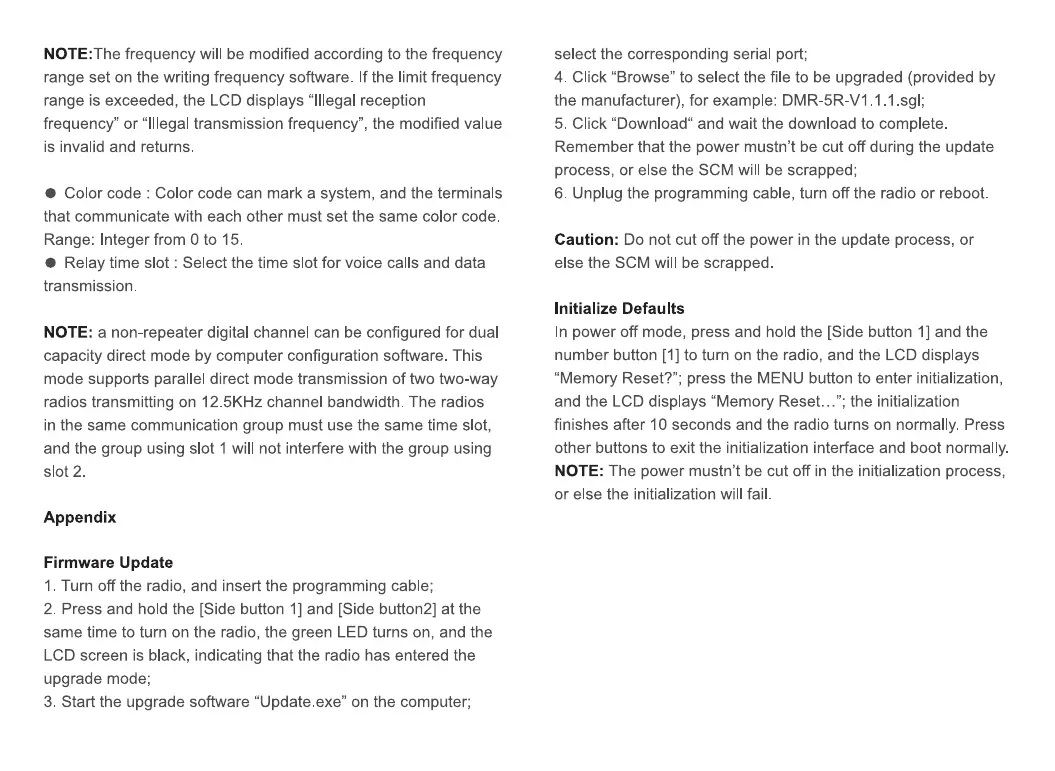
2. Press and hold the [Side button 1] and [Side button2] at the
same time to turn on the radio, the green LED turns on, and the
LCD screen is black, indicating that the radio has entered the
upgrade mode;
3. Start the upgrade software "Update.exe" on the computer;
select the corresponding serial port;
4. Click "Browse" to select the file to be upgraded (provided by
the manufacturer), for example: DMR-5R-V1.1.1 .sgl;
5. Click "Download" and wait the download to complete.
Remember that the power mustn't be cut off during the update
process, or else the SCM will be scrapped;
6. Unplug the programming cable, turn off the radio or reboot.
Caution: Do not cut off the power in the update process, or
else the SCM will be scrapped
Initialize Defaults
In power off mode, press and hold the [Side button I] and the
number button [I] to turn on the radio, and the LCD displays
"Memory Reset?"; press the MENU button to enter initialization,
and the LCD displays "Memory Reset..."; the initialization
finishes after 10 seconds and the radio turns on normally. Press
other buttons to exit the initialization interface and boot normally.
NOTE: The power mustn't be cut off in the initialization process,
or else the initialization will fail.


 To Previous Page