1515
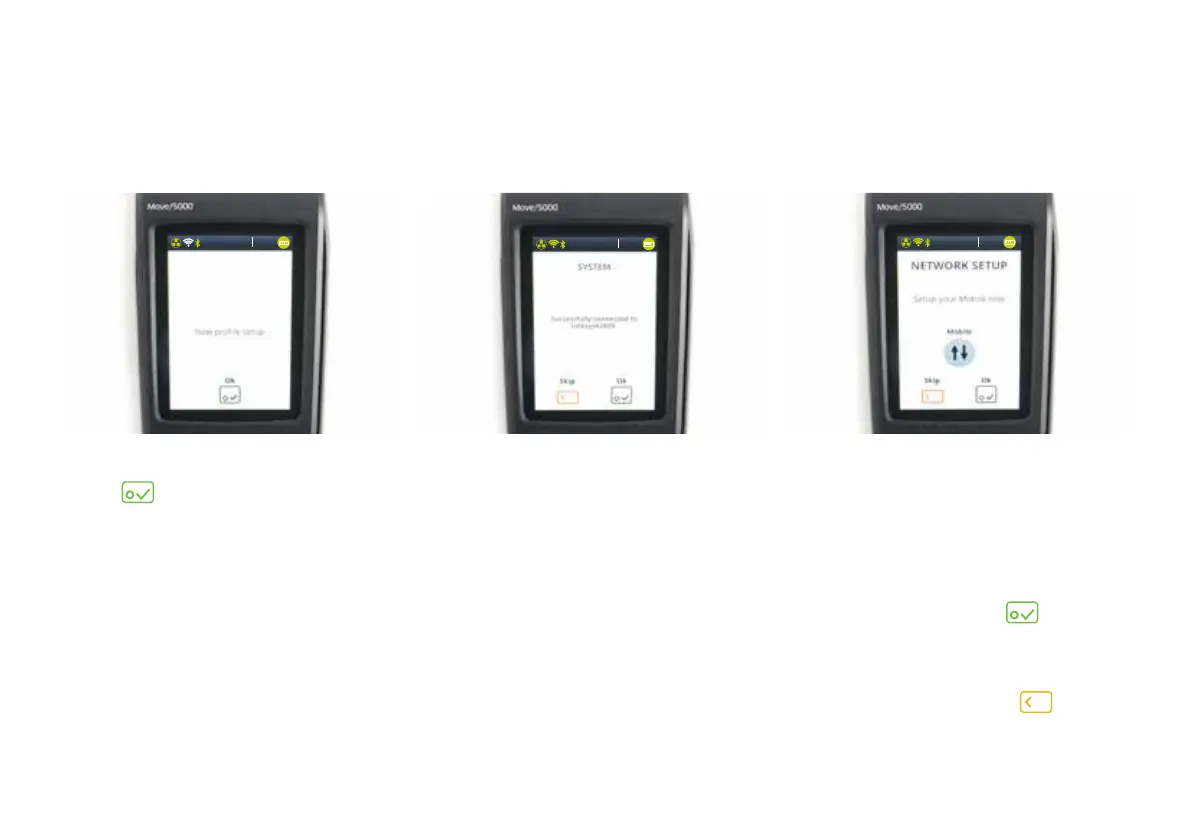
10) When you see ‘New profile setup’,
tap
.
11) When the terminal is connected,
you’ll see a ‘System’ screen that
confirms successful connection to
your chosen Wi-Fi path.
12) Your terminal will automatically
search and create a mobile
connection. If this is not found,
you will be prompted to set this up
manually.
If your terminal hasn’t automatically
detected a signal, tap
. Now
your terminal will search for a
mobile signal – this may take a few
moments. If you do not wish to
connect via mobile, tap
.
13:3 7
03/10/2018
13:3 7
03/10/2018
13:3 7
03/10/2018


 To Next Page