EasyManua.ls Logo

Barco R9861580US - User Manual

Barco R9861580US
124 pages
Print Icon
To Next Page IconTo Next Page
Loading...
ENABLING BRIGHT OUTCOMES
Installation manual
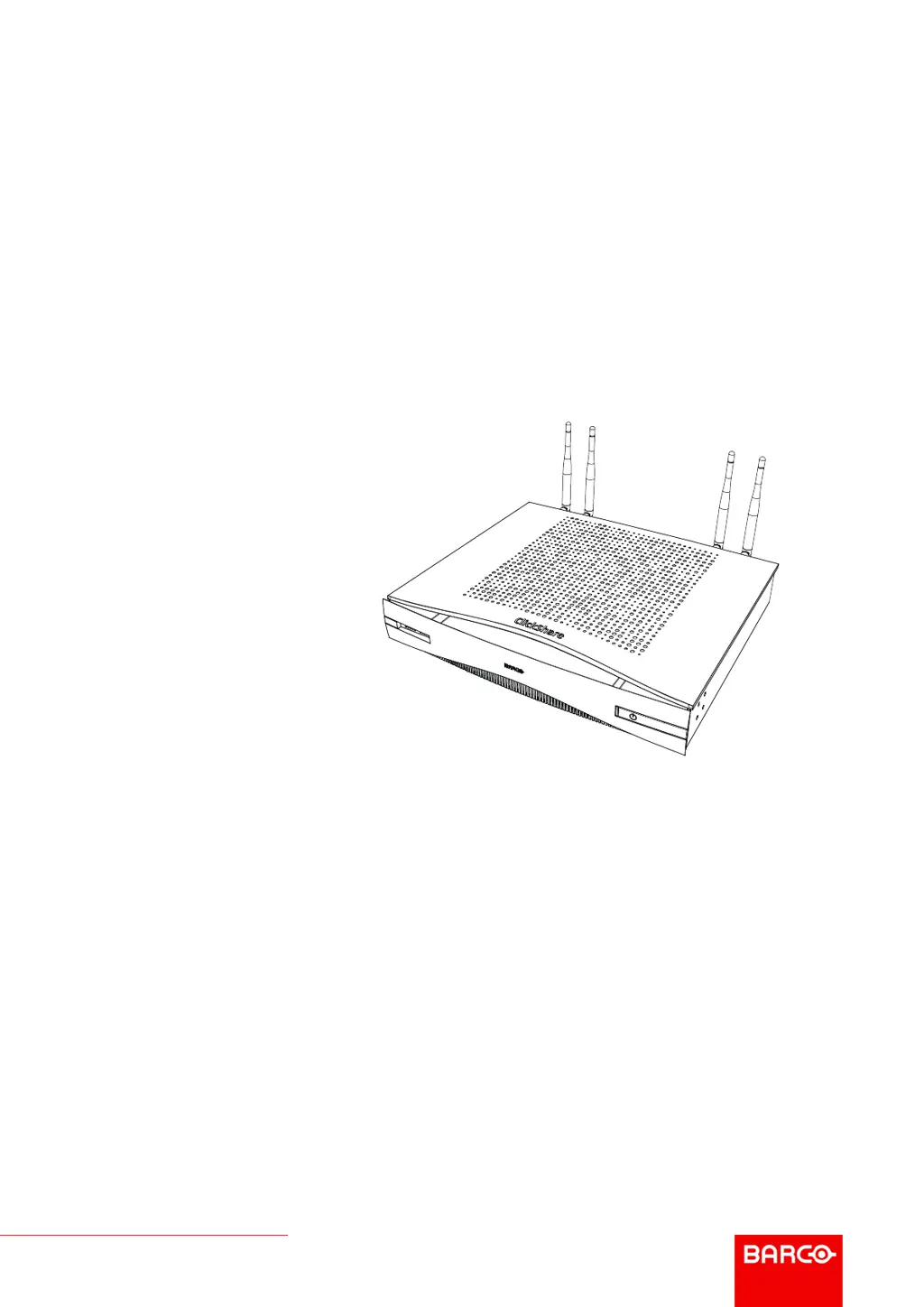
ClickShare CSE-800

Table of Contents

Questions and Answers

  • J
    Jill SanchezAug 12, 2025
    How to fix image quality issues on Barco Network Router display?
    • Y
      Yolanda MillerAug 12, 2025
      If the image quality on your meeting room display is unsatisfactory, it could be due to the cable connecting the Base Unit and the display, or the connection itself. Try replacing the cable or using a different one. Also, the display's resolution might be the cause. Change the resolution on the web interface to match the native resolution of the meeting room display.
  • G
    Gregory RomeroAug 21, 2025
    What to do if the Barco Network Router display image quality is poor?
    • K
      Kimberly MasonAug 21, 2025
      A poor display image quality with your Barco Network Router can stem from a couple of things. First, check the cable and connections between the Base Unit and the display. A faulty or long cable can degrade the image. Try replacing it. Second, ensure that the resolution set on the web interface matches the native resolution of your meeting room display. If these resolutions don't align, it can negatively impact image quality.
  • C
    Christine ShawSep 1, 2025
    Why is the image quality bad on my Barco Network Router display?
    • A
      Amy KelleySep 1, 2025
      Poor image quality on your Barco Network Router display could be attributed to: * The quality or length of the cable between the Base Unit and the display. * The connection between the Base Unit and the display. Try replacing the cable or using another cable. Also, the display's resolution might be incorrect. You should change the resolution on the web interface and match it to the native resolution of the meeting room display.

Barco R9861580US Specifications

General IconGeneral
BrandBarco
ModelR9861580US
CategoryProjector Accessories
LanguageEnglish

Related product manuals