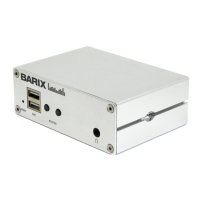
Barix Exstreamer 100 User Manual Version 07.07
Page 22
9 Advanced user section
9.1 Network configuration using
supplied serial cable
STEP 1
Open a Terminal program.
STEP 2
Go to the settings menu and adjust the following settings:
Baud rate 9600 bit/sec, 8 Data Bits, no Parity and 1 Stop
Bit.
STEP 3
Unplug the power supply of the Barix Exstreamer.
STEP 4
Connect the supplied serial cable to your PC’s COM port
and to the serial port of the Barix Exstreamer.
STEP 5
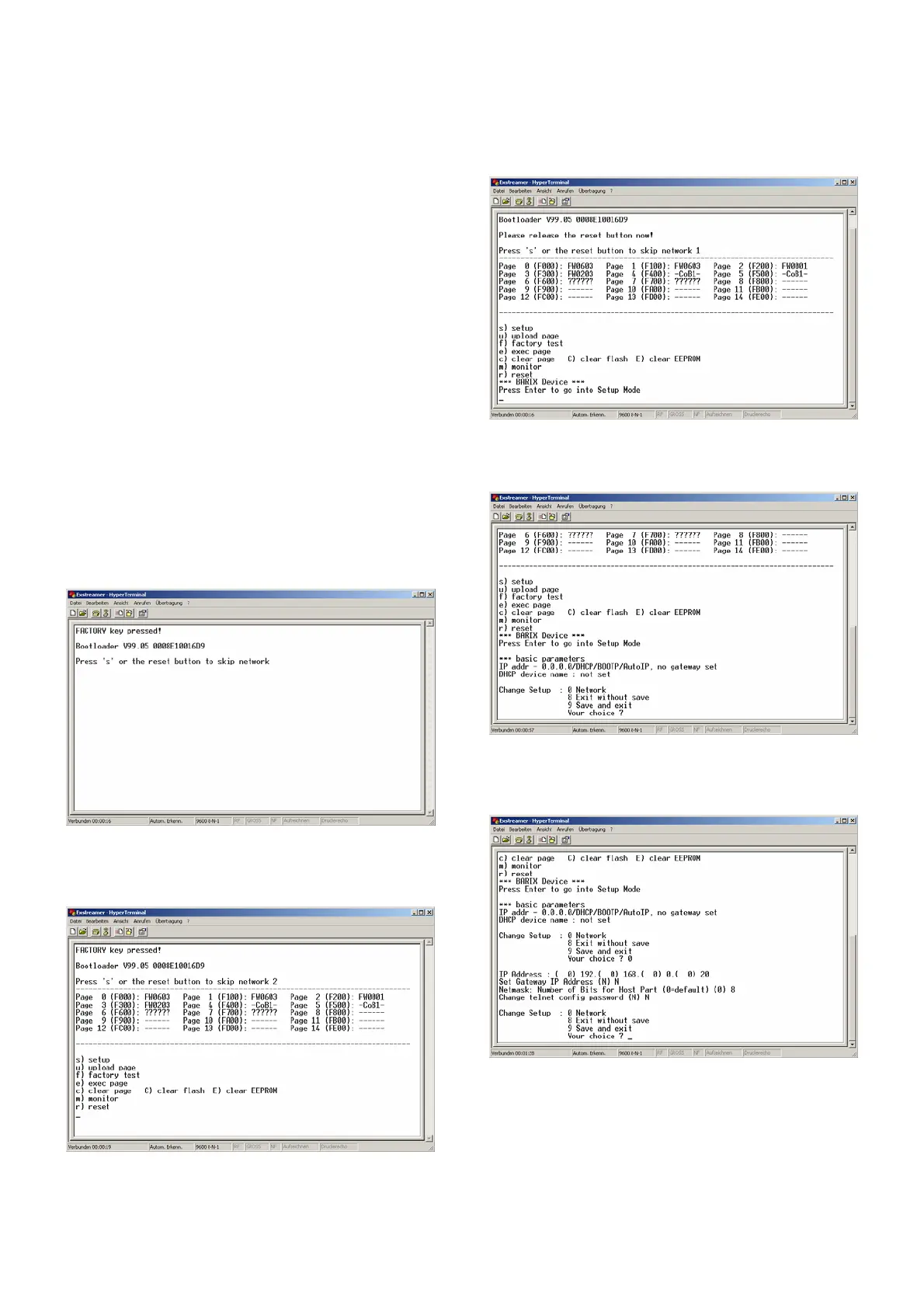
Keep the Reset button pushed and plug in the power
supply. Release the Reset button as soon as you see
following screen:
STEP 6
Hit <s> to skip network discovery if not connected to a
network and the following screen appears:
STEP 7
Hit <s> to get to the Barix Exstreamer´s setup.
STEP 8
Hit <enter> to enter the Barix Exstreamer setup mode.
STEP 9
Type in <0> and hit <enter> to enter the network
configuration. Enter all requested values:
STEP 10
Type in <9> and hit <enter> to save the network
configuration.


 To Next Page