Installation / start-up
Barkey GmbH & Co. KG - Gewerbestrasse 8 - 33818 Leopoldshoehe - Germany - Telephone: +49(0)5202-9801-0 23
Service department: +49(0)5202-9801-30 Fax: +49 (0)5202-9801-99 - email: info@barkey.de
Instructions for Use
Barkey S-line
4.2.2 Connecting the mains cable
WARNING
The mains supply must conform to the data on the device rating plate, the technical data in these
instructions for use and the regulations for electrical installations, as amended. When laying the
mains cable for the Barkey S-line make sure there is no interference with other devices.
The device's rating plate is attached to the back of the housing. This shows among other things the
specifications for the power supply and the serial number ("SN") of the device.
► Insert the plug for the mains cable into the socket for your power supply.
4.2.3 Switching on
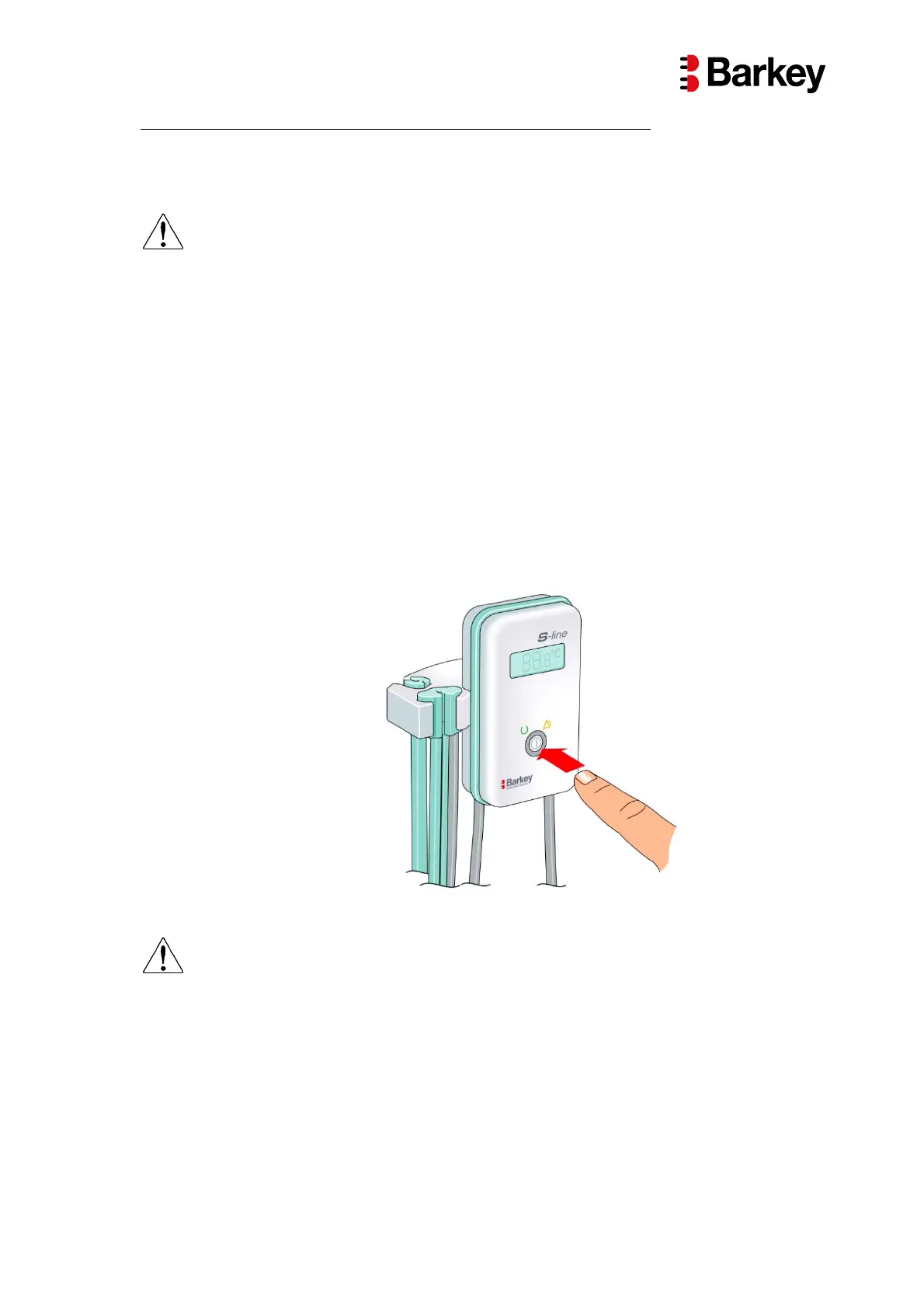
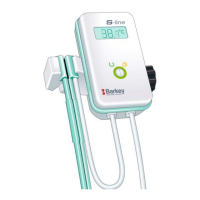
► Touch the ON / OFF button to switch the device on.
A function test of the alarm signals is carried out when the device is switched on: the yellow fault
lamp (luminous ring) shows and an acoustic signal for is heard for approx. 1 second. After this the
green status display (luminous ring) shows. The Barkey S-line is now ready for use and the warm-
ing section is warmed.
Fig. 8: Switching on
WARNING
Make sure that the luminous ring first shows yellow after the device is switched on and the device
emits the acoustic signal and this can be heard. Only this shows that the alarm signals are func-
tioning correctly.
The device must not be used if a fault occurs during the self-test.


 To Next Page