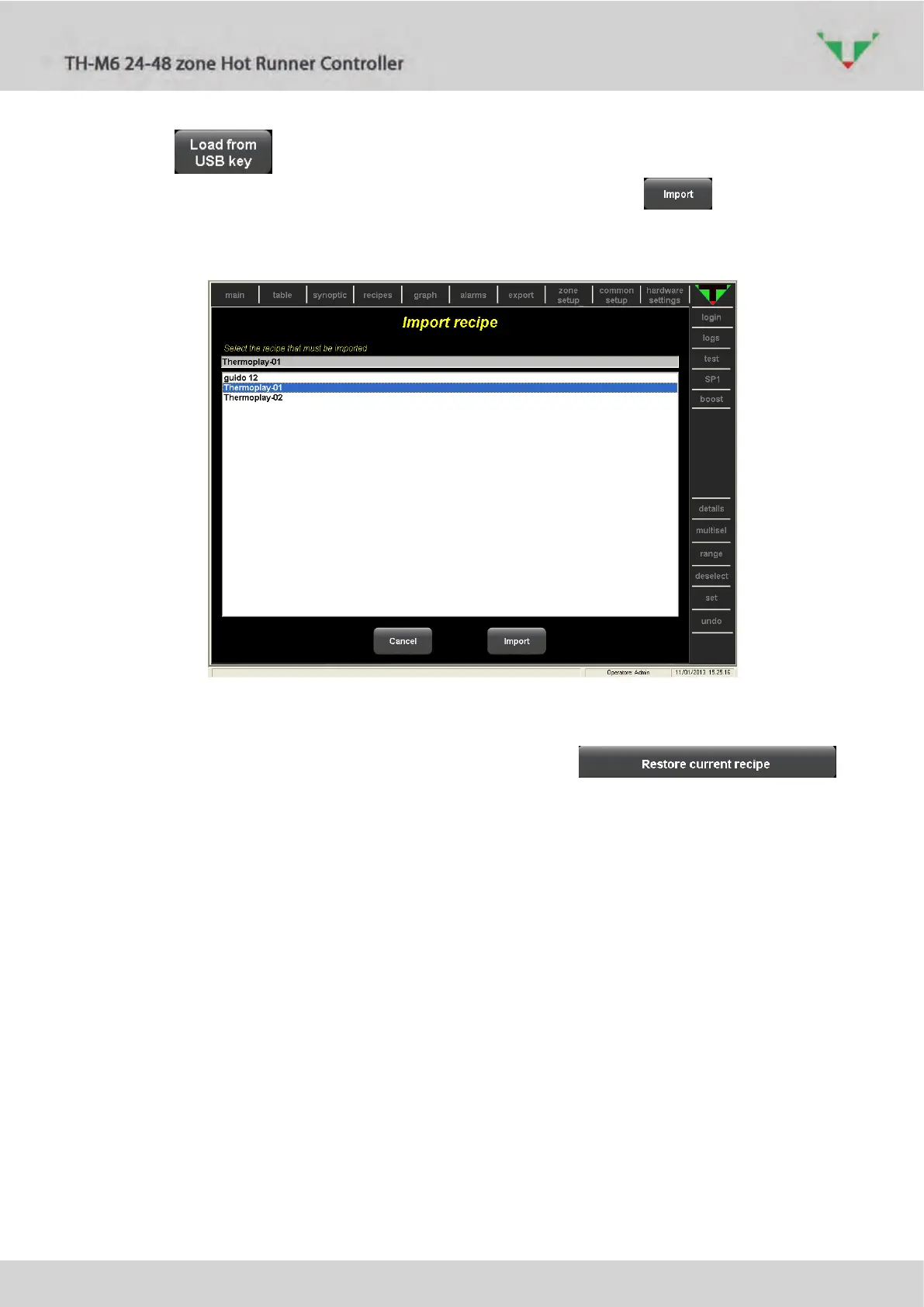
Click on button to import a recipe from an external USB memory. Then select the
recipe from the available ones (Figure 52). Complete the operation with button. Now
the imported recipe will be displayed in the list of Figure 52. The name of the recipe includes the
import date and time.
Figure 52
6.11.3 Restore the current recipe
In the menu of Figure 47, if controller is in “STOP” mode, the
button allows to restore all the settings (zone and common parameters, synoptic configuration)
to the stored values of the currently active recipe. Confirmation is required (Figure 53). Page of
Figure 51 shows that loading is in progress.



 To Next Page