TECH600 User Guide 2020
10 | P a g e
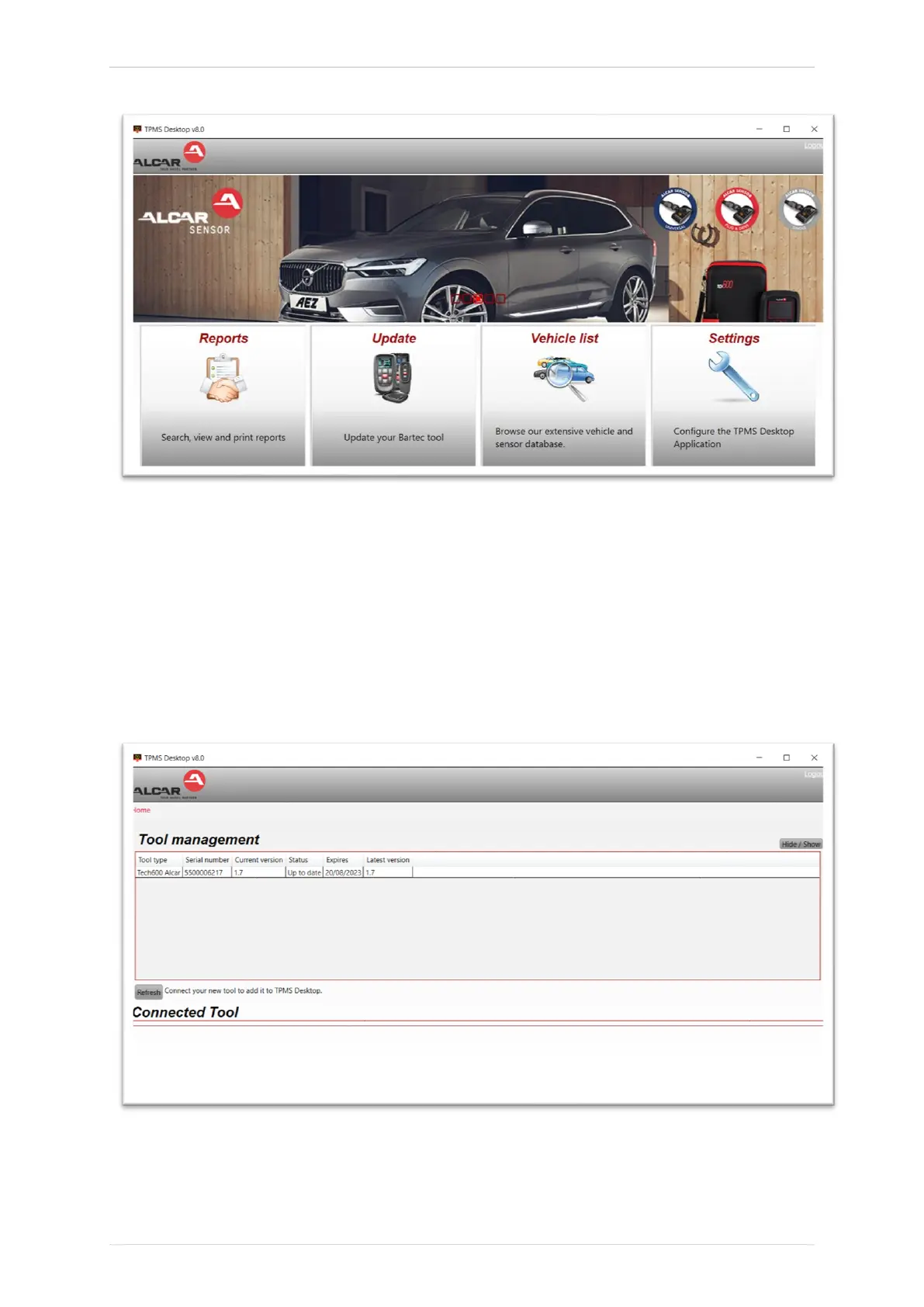
After Login, the main screen of the TPMS Deskop is displayed
.
Connect the TECH600 to the computer. The TPMS Desktop will automatically register the
tool, and will display the message: “tool successfully registered”. The TPMS Desktop will
then check for any updates that can be applied to the tool. Alternatively, the user can
navigate to ‘Update’.
Once registered, the user will see the tool listed, along with a whether the tool is up to date:
Updating the TECH600 and keeping it up to date using the TPMS Desktop is recommended.



 To Next Page