TECH600 User Guide 2020
8 | P a g e
REGISTRATION
Automatic registration takes place when the tool is first turned on. Registration enables the
notification of software updates and the ability to download update files to the tool. Once an
account has been made with TPMS Desktop, the tool will be registered to that account, and
the latest available updates will be downloaded.
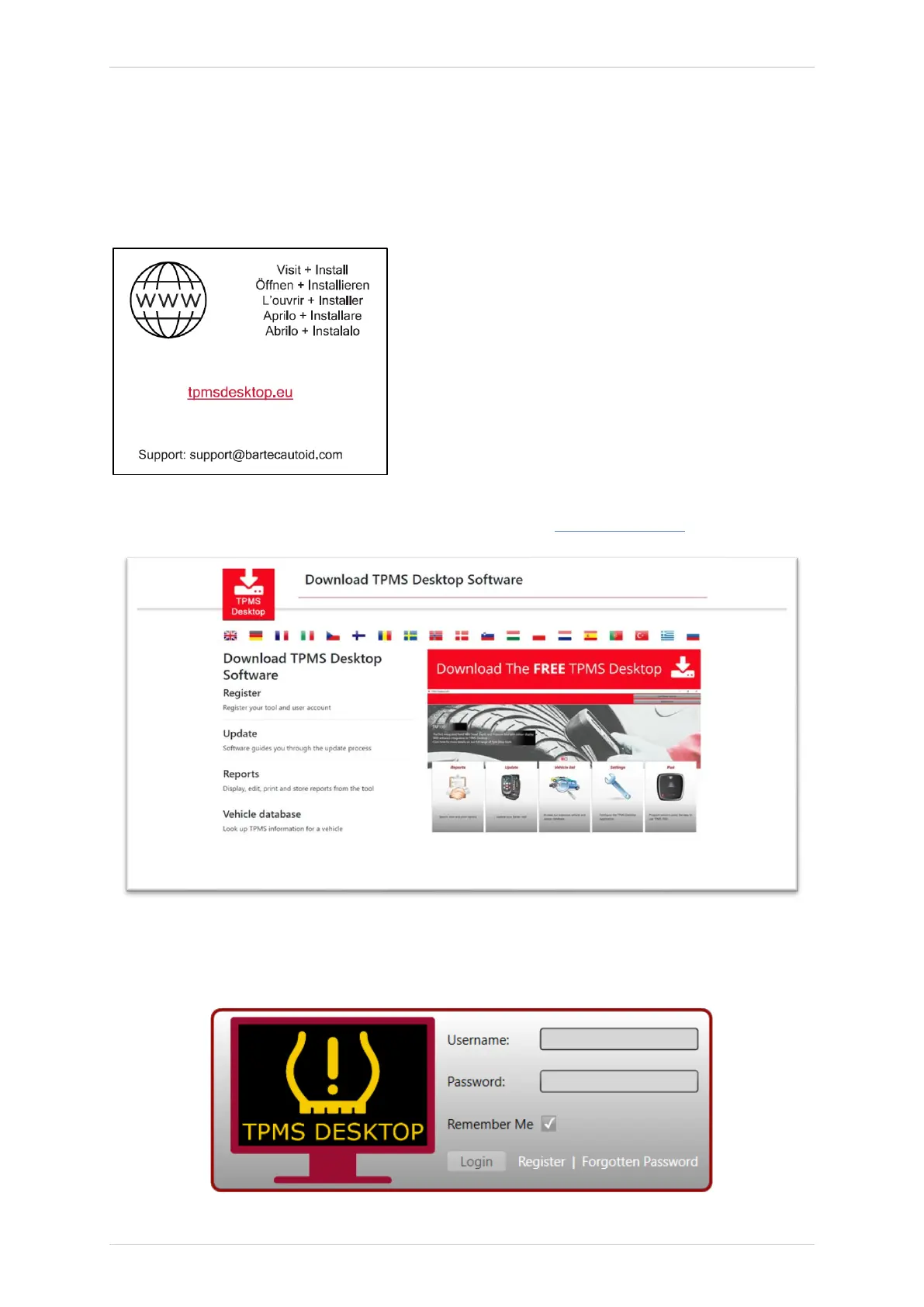
To register a tool, navigate to the Bartec TPMS Desktop at tpmsdesktop.eu on your PC.
Download the TPMS Desktop software, and then install it using ‘setup.exe’. When the TPMS
Desktop has been load for the first time, the user will be presented with the following:



 To Next Page