TECH600 User Guide 2020
26 | P a g e
VEHICLE LIST
Browse the extensive vehicle and sensor database. Search by make, model and year to quickly
find the data needed: OBD location, TPMS relearn, sensor information – it’s all there with
TPMS Desktop. Plus, the database is regularly updated.
SYSTEM SETTINGS
Configure the TPMS Desktop Application to meet the tyre shop’s needs. Want to connect with
Bluetooth. Connectivity is just a few clicks away with TPMS Desktop.
DISPLAY
Garage/Tyre shop display screen functionality enables the technician to show the customer
their vehicle readings on a TV or monitor in the garage or waiting room. Gives the customer
more confidence and sells more tyres.
The TECH600 will connect wirelessly to the TPMS Desktop using
Bluetooth technology. While this will work easily with most
computers, some have software which can be difficult to setup. In
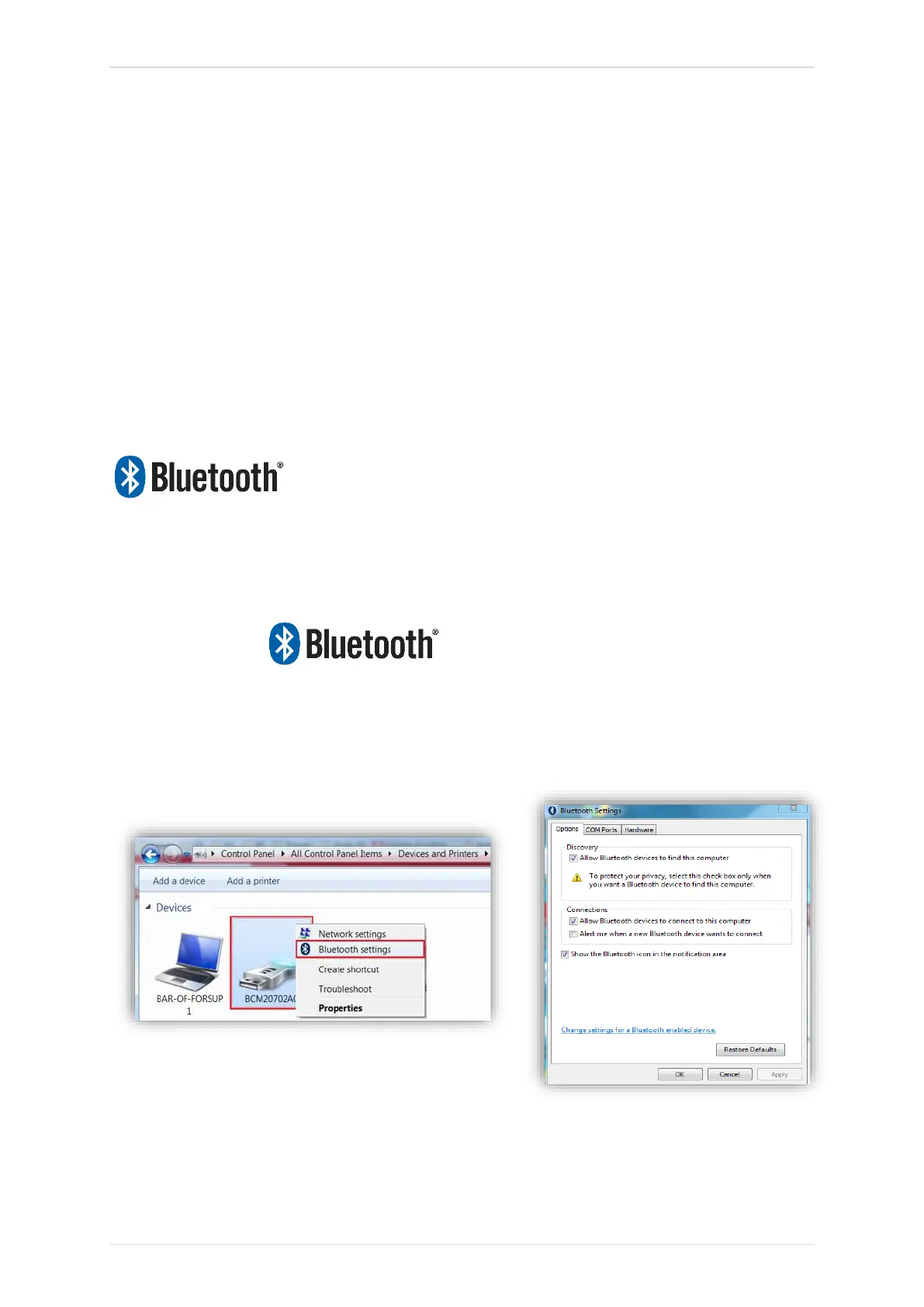
these rare circumstances, or if the computer does not support Bluetooth, a Bluetooth adaptor
be used. Additional information on how to install an adaptor can be found on the Bartec
support website: tools.bartecautoid.com
SETTINGS
To be able to use the TECH600 with Bluetooth, the tool first needs to be configured. Go to
Settings > Connections > “TPMS Desktop: Add device” The Tool will then attempt to connect
with TPMS Desktop on the PC.
If there are problems using the built-in Bluetooth, the user can use a USB dongle. Select
Devices and Printers in Control Panel.



 To Next Page