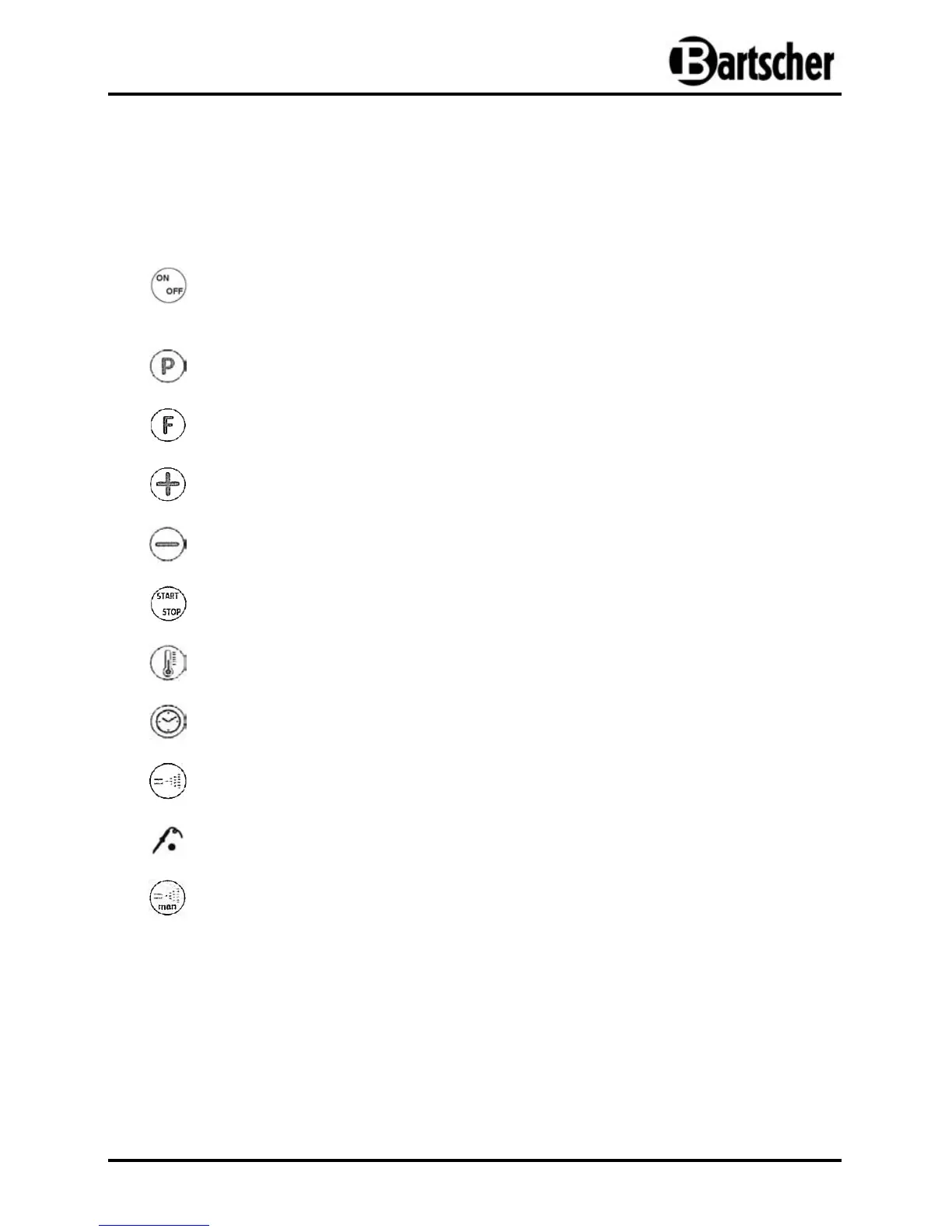
The first push of the button activates the displays, the second push deactivates
them and as the card supply remains.
This push button selects the number of the program.
This push button selects the number of the function.
This push button increases the displayed flashing value.
This push button decreases the displayed flashing value.
This push button (de-)activates the back clock timer.
This push button selects the temperature.
This push button selects the baking/cooking time.
This push button selects the percentage of steam.
This push button (de-)activates the product sensor.
This push button manually increases steam.


 To Next Page