SETTING THROUGH WEB INTERFACE
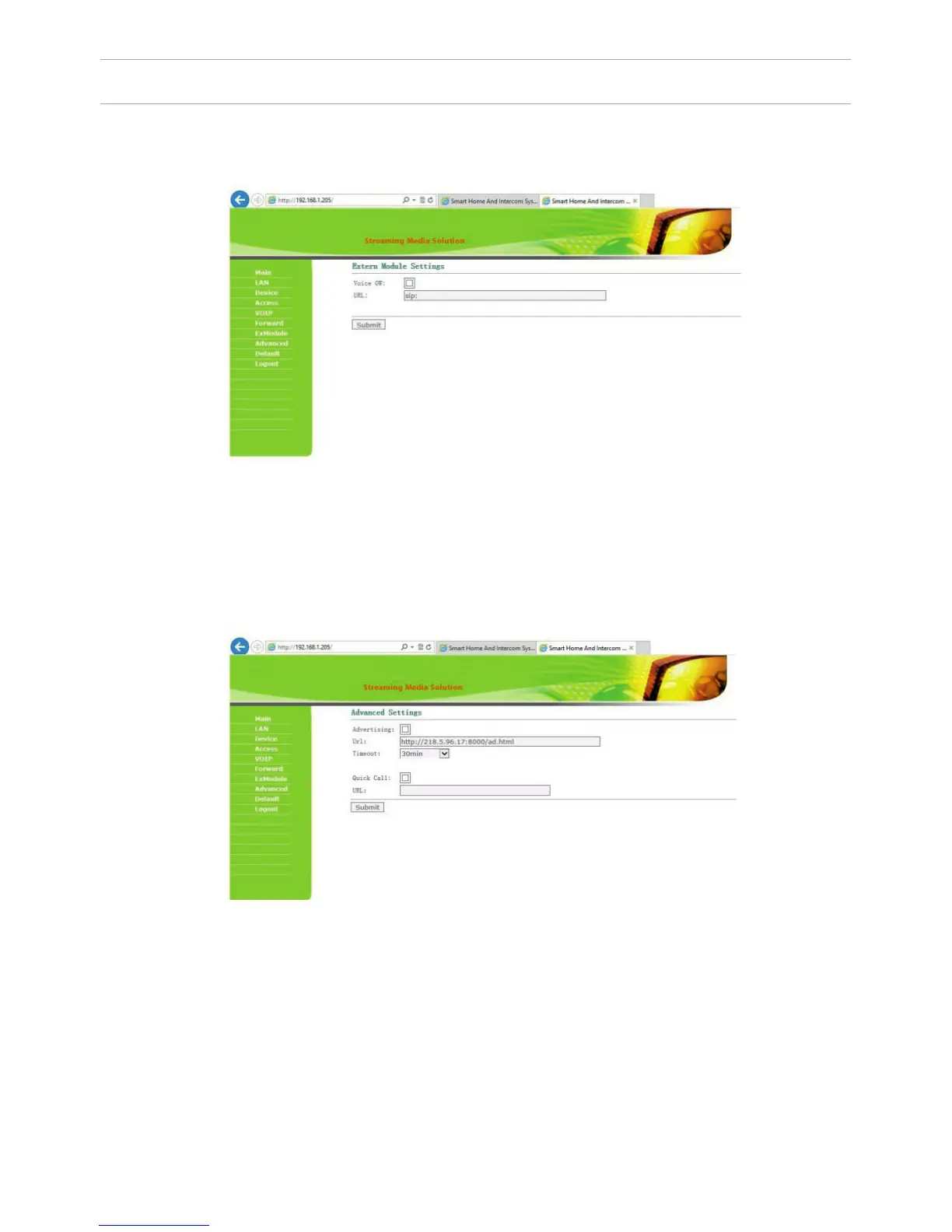
6. External Module settings (optional).
Select «ExModule» to go to the following interface:
7. Advanced settings.
Select “Advanced” to enter the following interface:
The address of the external VOIP-converter is set, which is transforms the SIP
protocol in the PSTN (Public Switched Telephone Network).
Quick Call: Call the Concierge monitor address with the help of the direct dial
button located on the front of the outdoor panel.
Set in this format: «sip: 1234@192.168.1.101», where 1234 – is a number of the
building that has been set in the concierge monitor and 192.168.1.101 – is the
IP-address of the concierge monitor.
Note: In multi apartment outdoor panels, BA-04 and BA-08, it is necessary to
put a check mark in front of the “Speed Dial” eld.
Otherwise these outdoor panels will not be able to make calls.
23



 To Next Page