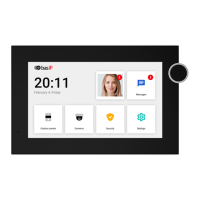
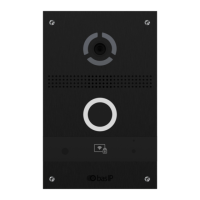
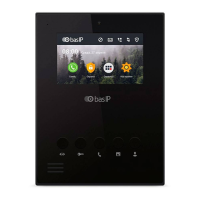
An indoor video phone (monitor) home screen consists of the main
desktop and 2 additional (by default).
In addition, you can add an unlimited number of custom desktops and
flexibly configure them (set the number of application icons and their
layout). Up to 8 application icons can be placed on each desktop.
Main screen
FIRST SCREEN
The first desktop displays the current
date and time.
Second SCREEN
On the desktop are displayed:
Date•
Time•
Weather widget•
Main sections of the monitor menu:•
Calls •
Messages •
Outdoor panels view menu •
IP cameras view menu •
third SCREEN
On the third desktop, additional system
menus and applications are displayed:
Quad splitter•
Security alarms•
Smart home menu•



 To Next Page