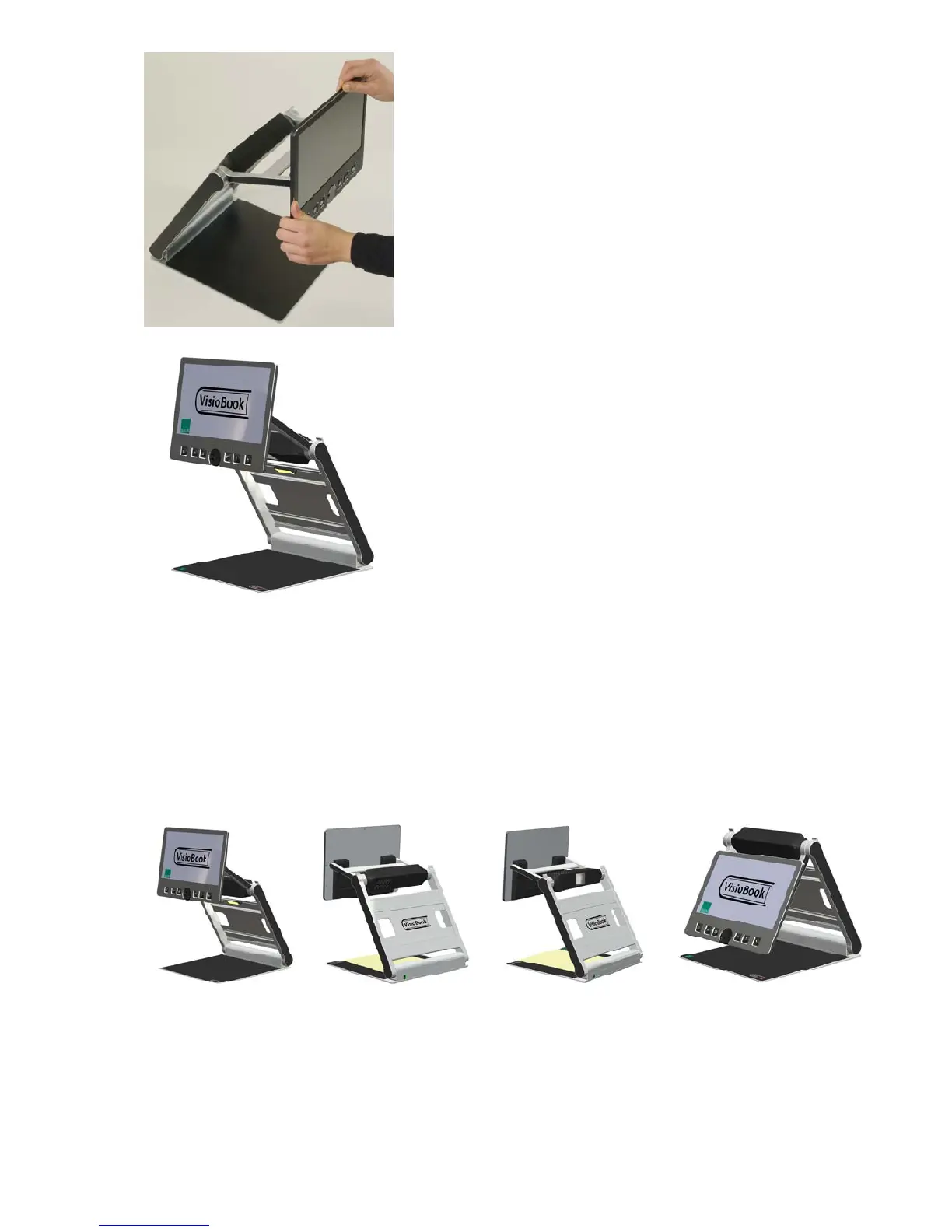
Adjust display in a convenient position.
Pivot camera in downward position directing
slightly to you. It will snap in this position.
If you want to fold down VisioBook again, proceed in reverse order. VisioBook
will power off automatically when folded.
Camera positions
VisioBook may be operated in four positions. The close up lens will slide in
automatically if required:
Snap in position directing directly straight downwards on ground plate.
For viewing small objects.
Snap in position directing downwards, slightly tilted to the front. This is
for normal reading (Image distortion will automatically be adjusted). By
moving the paper, you can read a full A4 page.
7


 To Next Page