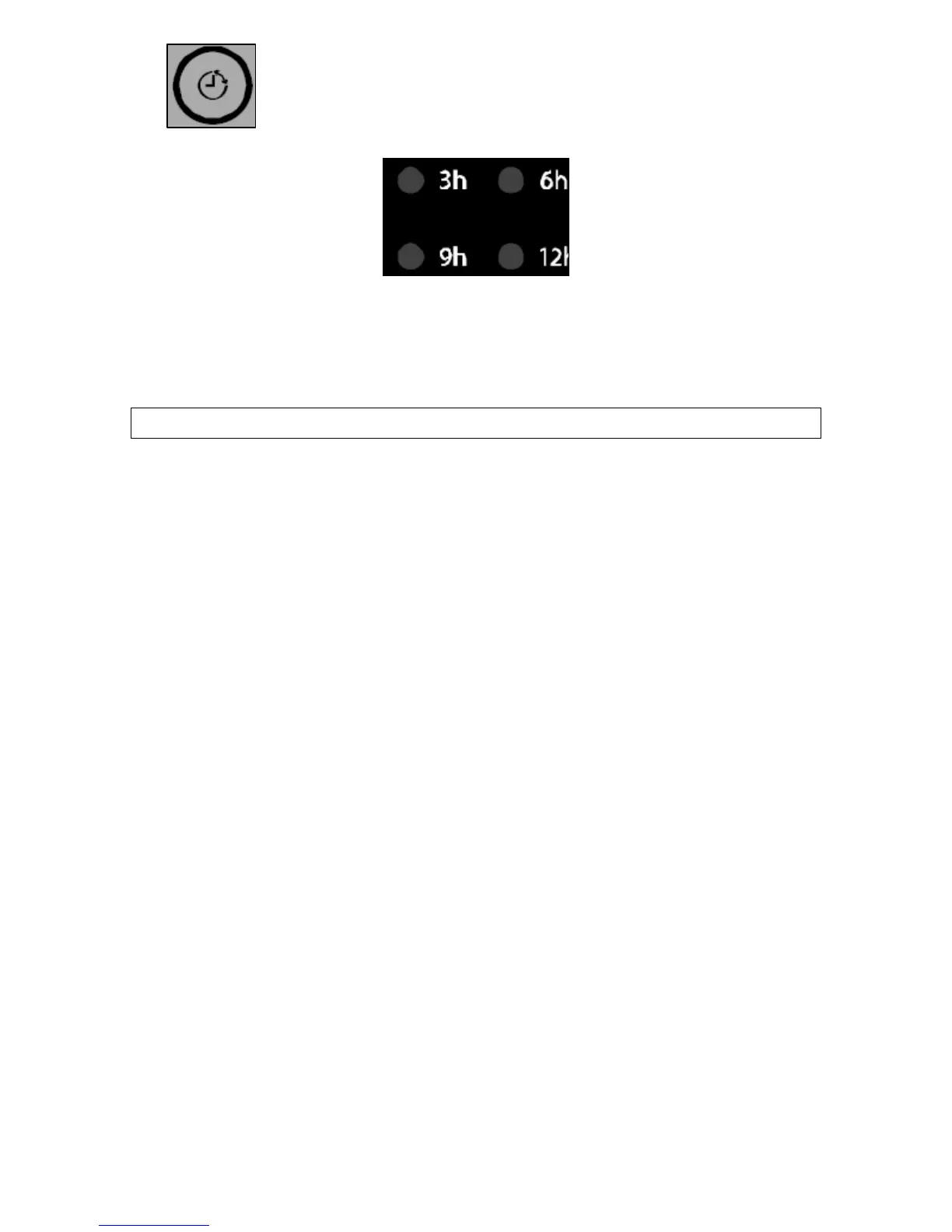
o Use the delay start button (2) to choose a delay
start time of 3, 6, 9 or 12 hours in the future. The
relevant delay start indicator (4) will light on the
display.
o Close the door firmly, so that you hear the door lock click shut.
o When the programmed delay start time has elapsed, the
dishwasher will automatically begin the chosen wash program.
Saving energy using your dishwasher
Loading dishes
o Refer to the relevant section of this manual for instructions on
placing items in the dishwasher for the most efficient cleaning.
o Only run the dishwasher when it is full for optimum energy and
water usage. Or use the half load option for smaller loads.
o Check the program table to select the most efficient program
according to the size and type of the load.
o The ECONOMY program washes your items at a lower
temperature and uses less water during the cycle. That is better
for the environment and helps to cut energy costs as well as
your water bill if you’re on a water meter.
Usage
o Clean the filters regularly both to keep the dishwasher clean and
to maintain its efficiency.
o Always remember to switch the appliance off standby when you
have finished using it. £1 billion worth of energy is wasted in the
UK every year by people leaving appliances on standby.
o You do not need to rinse dishes off before loading. If you prefer
to pre-rinse, use cold water on your dishes before loading them
but do not waste water by letting it run continuously.
26


 To Next Page