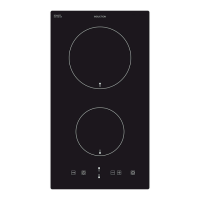
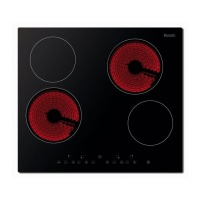
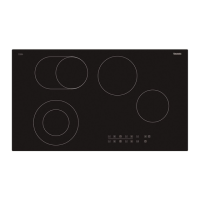
12
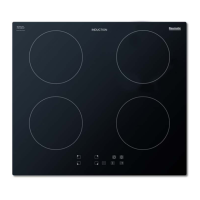
Touch controls
o All operations are performed by means of the touch controls that
can be found on the control panel.
o Each touch control has a visual display that corresponds to it.
Switching the hob on
o When the hob is connected to a power
supply, an audible signal will sound. All of
the cooking zone indicators will come on
for 1 second and then go off. The hob has
now entered stand-by mode.
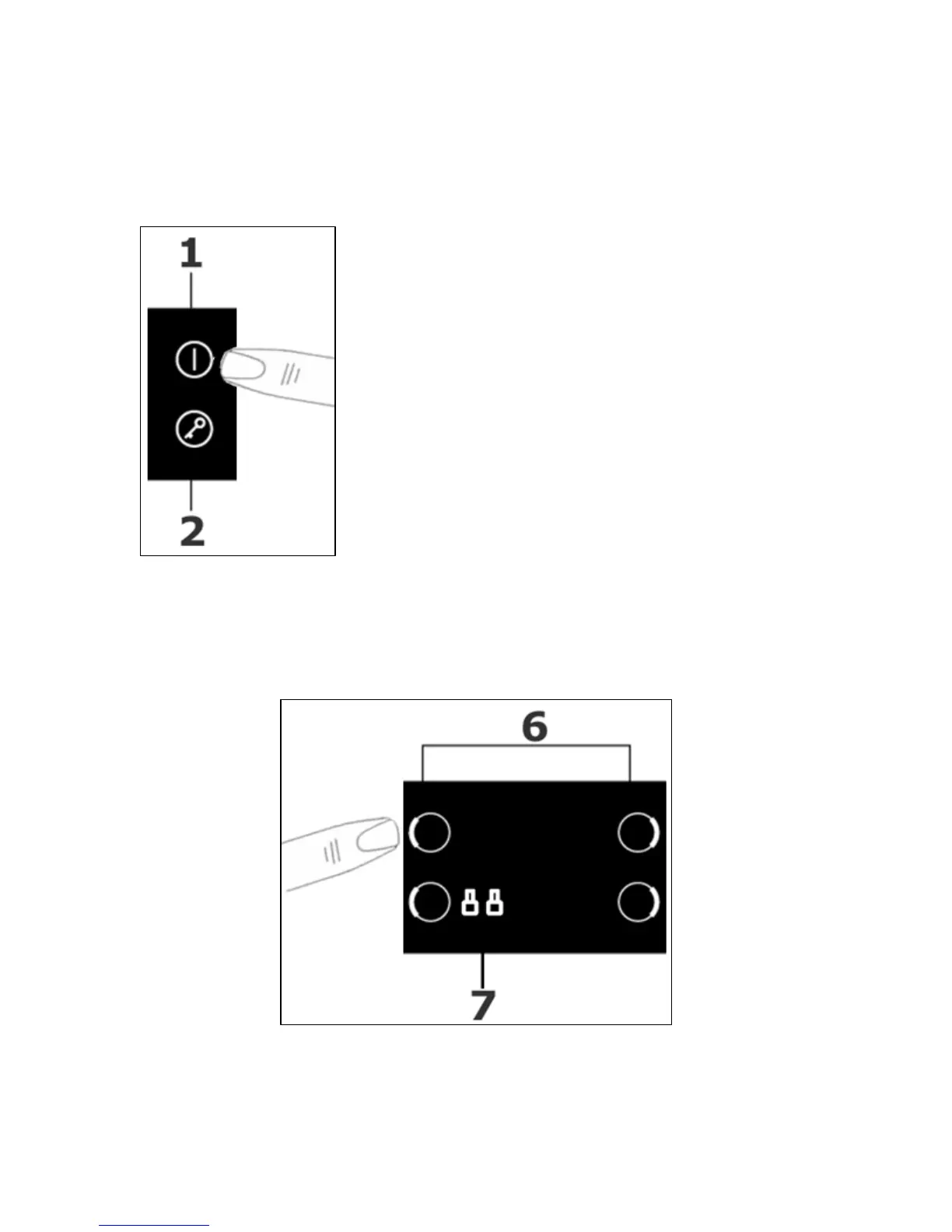
o Press the ON/OFF button (1).
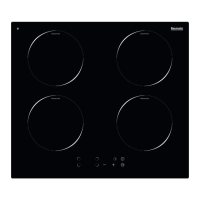
o All of the cooking zone indicators (7) will
read “-”.
Switching on a zone and setting a power level
IMPORTANT: A zone must be selected within 2 minutes of turning the
hob on.
o Press the cooking zone selection button (6) of the cooking zone
that you want to use.


 To Next Page