13
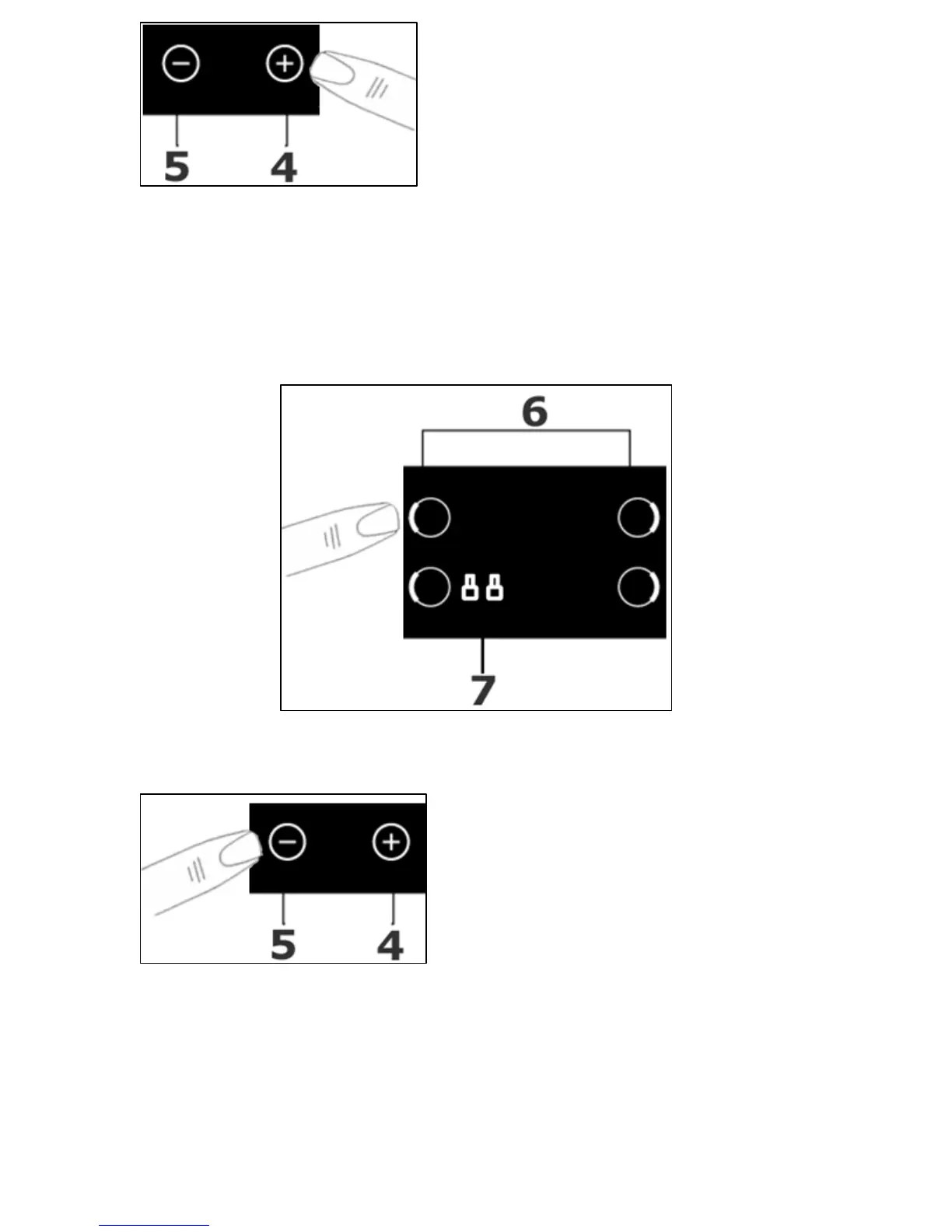
o Select the power level for the
cooking zone that you have
selected, by using the plus (4)
and minus (5) buttons.
o The cooking zone indicator will show power level 5 initially.
o When the cooking zone indicator shows the power level that you
require, release the plus and minus buttons and the cooking
zone will start to heat.
Switching off a zone gradually
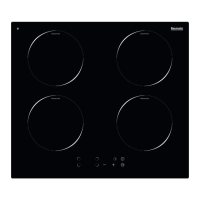
o Press the cooking zone selection button (6) of the cooking zone
that you want to switch off.
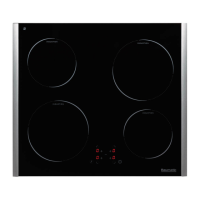
o Press and hold down the minus
button (5) until the number in
the cooking zone indicator
reaches “0”.
o After a few seconds, the cooking
zone will switch off.
o A flashing “H” symbol will show in the cooking zone indicator (7)
until the temperature of the zone falls below 60°C (see the
section on the “residual heat indicator” for further information).


 To Next Page