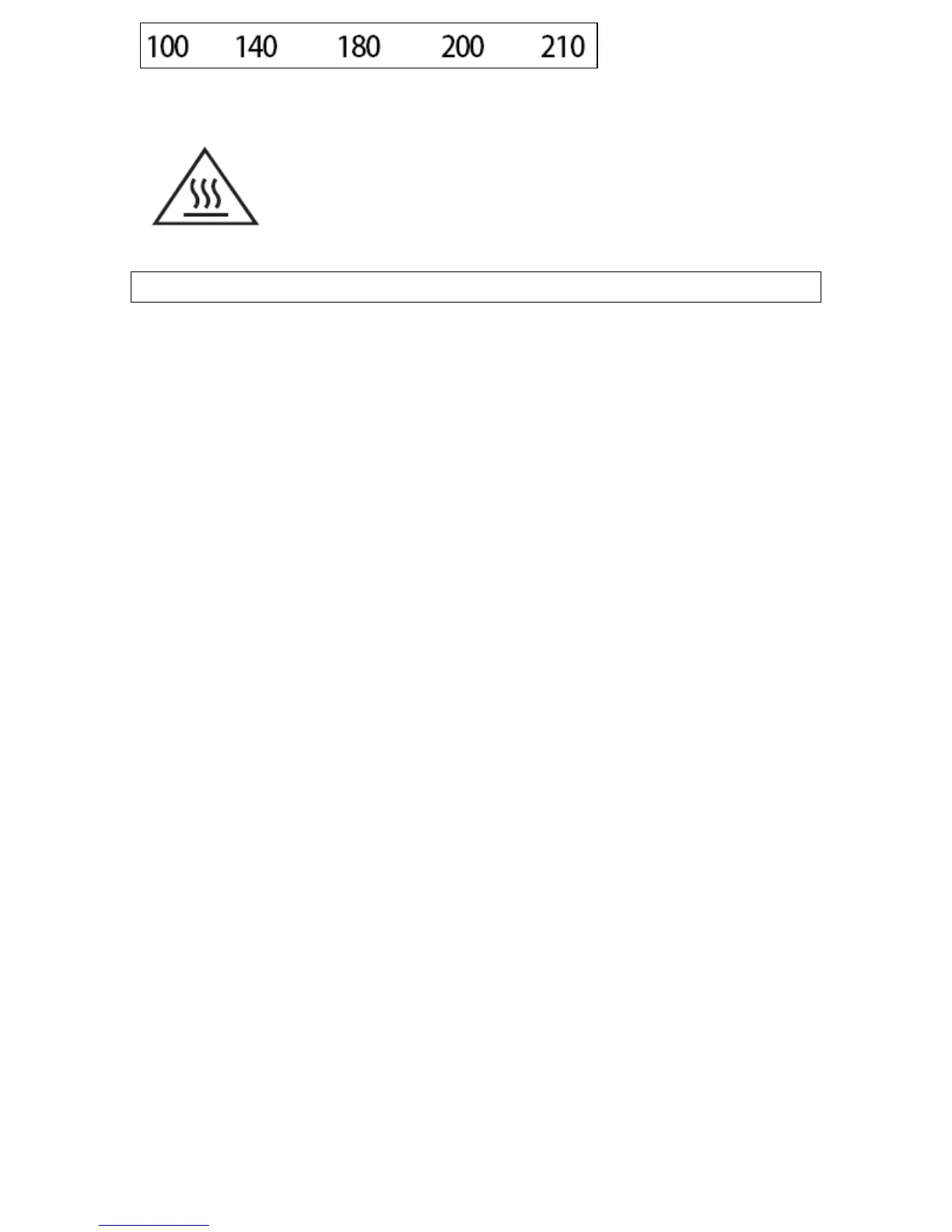
Indicates which oven temperature has been selected
WARNING: The accessible surface may be hot
during operation and for a period of time
afterwards.
Using your microwave
Setting the clock
o When your appliance is connected to the power supply for the
first time, the " : " on the LED display will flash.
o Press the Preset.Clock button (3) once.
o Use the Auto Defrost button (7) or Weight.Time.Temp button
(8) to set the correct hour.
o Press the Preset.Clock button (3) again to confirm.
o Use the Auto Defrost button (7) or Weight.Time.Temp button
(8) to set the correct minutes.
o Press the Preset.Clock button (3) again to confirm or wait 5
seconds until the time is set.
Before first use
o To remove any residue from the oven that may have been left
from the manufacturing process, you should place a cup that is
half filled with water in the microwave.
o Set the microwave on its highest power level for 2 minutes.
o The oven cavity and outside of the appliance should be cleaned
with warm soapy water, using either a sponge or soft cloth. No
abrasive cleaners should be used. The appliance should be
thoroughly dried afterwards.
o When the microwave is connected to the power supply, the LED
display will flash 3 times. It will then flash " : " to prompt you to
input a cooking function and time.
13



 To Next Page