41
of 80
Application Manual POWERLINK Controlled Node
Document no. 5.13013.04
6CONFIGURATION EXAMPLE WITH
B&R X20 PLC
The following chapter describes the configuration of the POWERLINK Controlled Node
for b maXX 4000 controller with a B&R X20 PLC by means of Automation Studio
(V3.0.90.22).
To integrate the POWERLINK Cont
rolled Node for b maXX 4000, the XDD-file must be
imported into the Automation Studio Project.
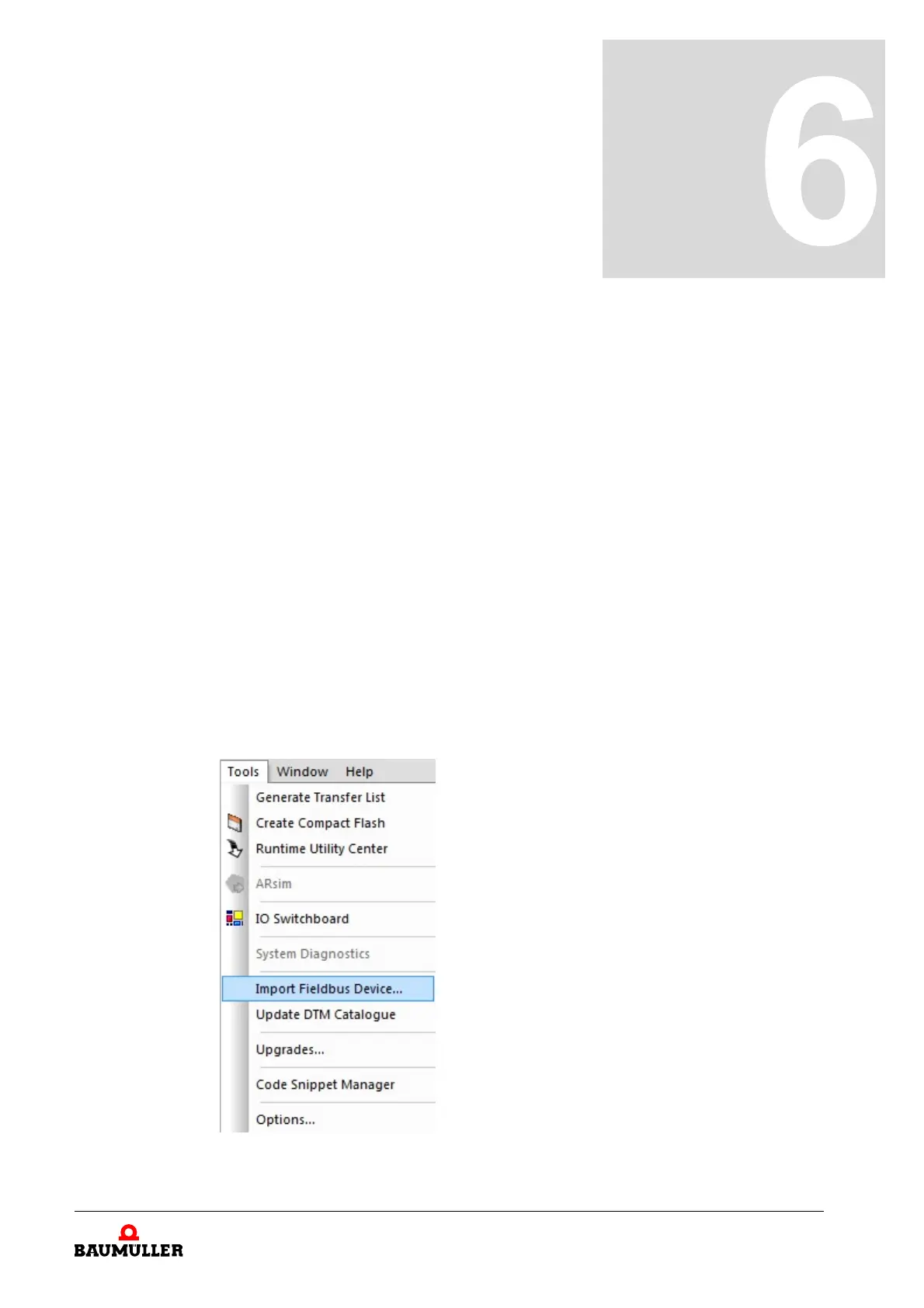
In this connection the device description file BM_P
OWERLINK_CiA402_CN.xdd must be
chosen in the menu under Tools
Import Fieldbus Device…. The file can be download-
ed from the download area on Baumüller’s homepage.
As the device description is store in the Autom
ation Studio project file, this process must
be repeated on creating a new project.
Figure 3: Configuration - Import fieldbus device



 To Next Page