MA0120(11) (2022-04) • English 4
Operations Operations Reports Reports
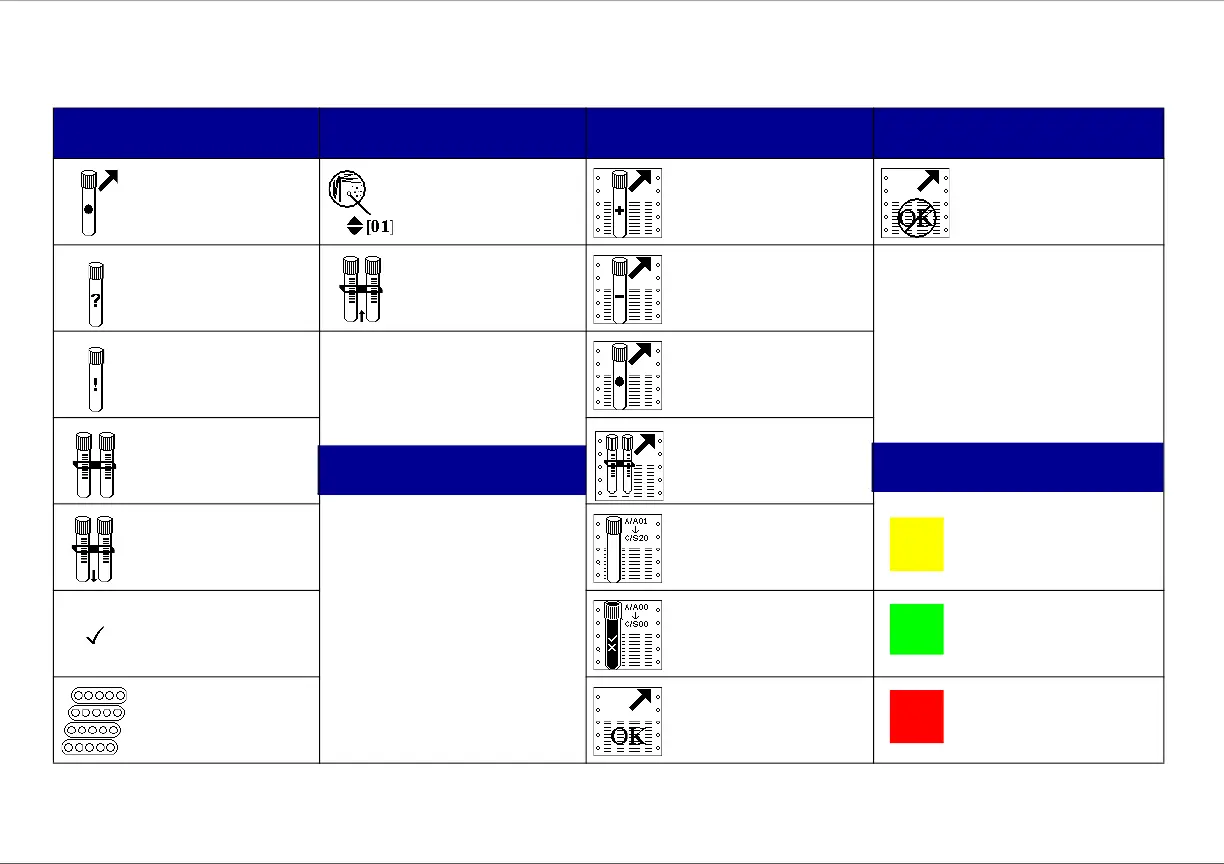
Remove ongoing
tubes
Isolate number
Unloaded Positive
Tubes
Confirm that Unloaded
Tube Report did not
print correctly
Identify anonymous
tubes
Remove completed
AST set
Unloaded Negative
Tubes
Resolve station
errors
(Other operations icons shown on
p. 6 – 7)
Unloaded Ongoing
Tubes
AST operations Unloaded AST Sets
AST set entry
1 From Main Status screen, select
the print reports soft key.
2 Select the desired report
soft key.
For Unloaded Tubes reports, you
must select a soft key to confirm
that the report did or
did not print okay.
For Instrument Inventory Report,
select a soft key for the
desired drawer.
Instrument Inventory (+
AST Set Inventory if
enabled)
Error/Alert
Default AST set is
shown
Quality Control Negative Tube
Change AST set
definition
Confirm that Unloaded
Tube Report printed
correctly
Positive Tube /
Completed AST Set
Printing Reports
Drawer Indicators











 To Next Page