EnCor Enspire™ quick reference 1.1
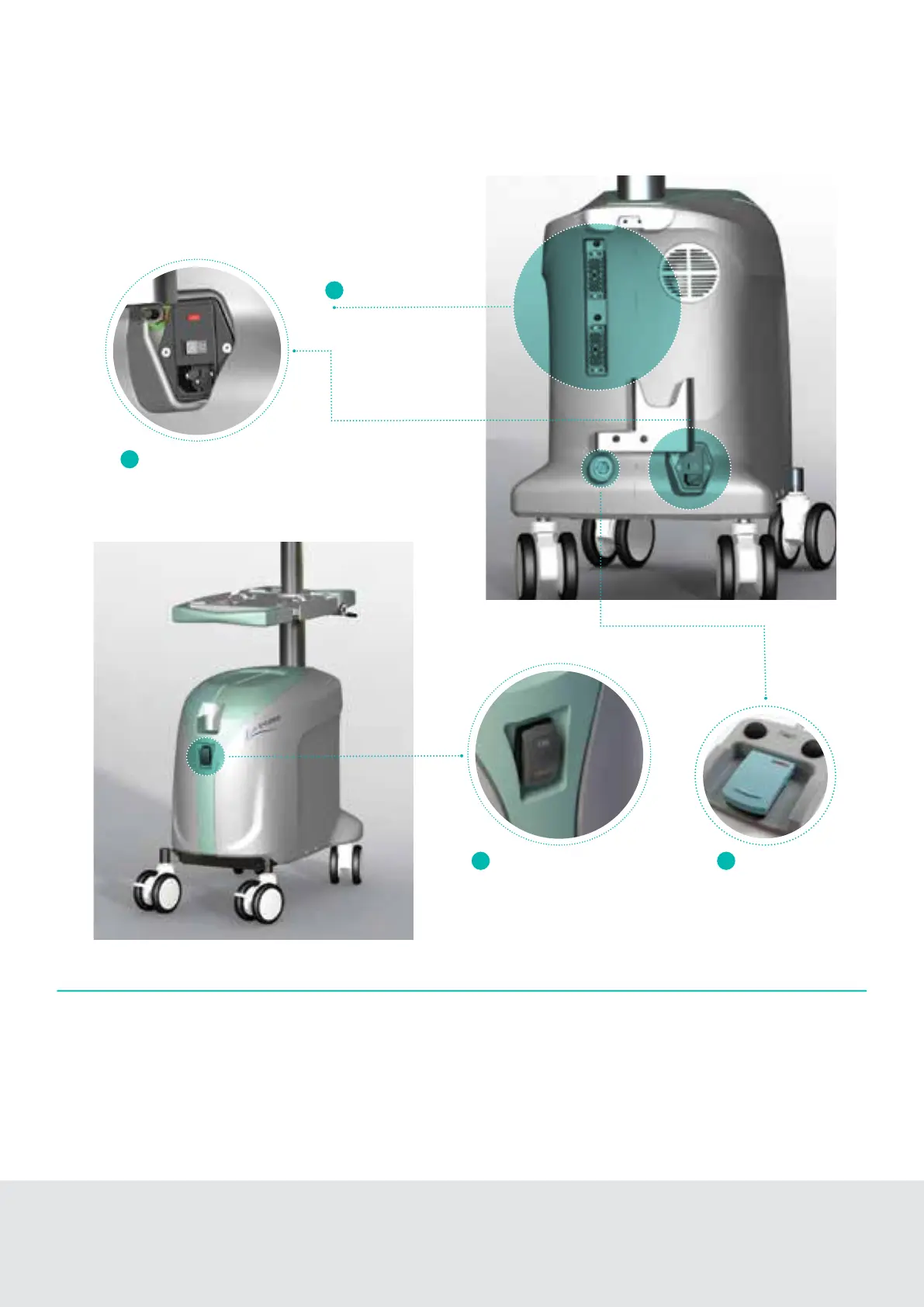
Easy setup 4 steps
1. Turn Main Power Switch ON (rear of console).
2. Connect appropriate EnCor
®
Driver/s to rectangular connector
on rear of console. The Active Driver is indicated by a green
LED light above connector.
Main power switch
Driver connectors
System power up
1
3
4
2
3. Turn Standby Power Switch ON (front of console).
4. Connect the Foot Pedal at rear of console (if desired).
Standby power switch
Foot pedal



 To Next Page