EnCor Enspire™ quick reference 1.3
Probe setup
1
2 3
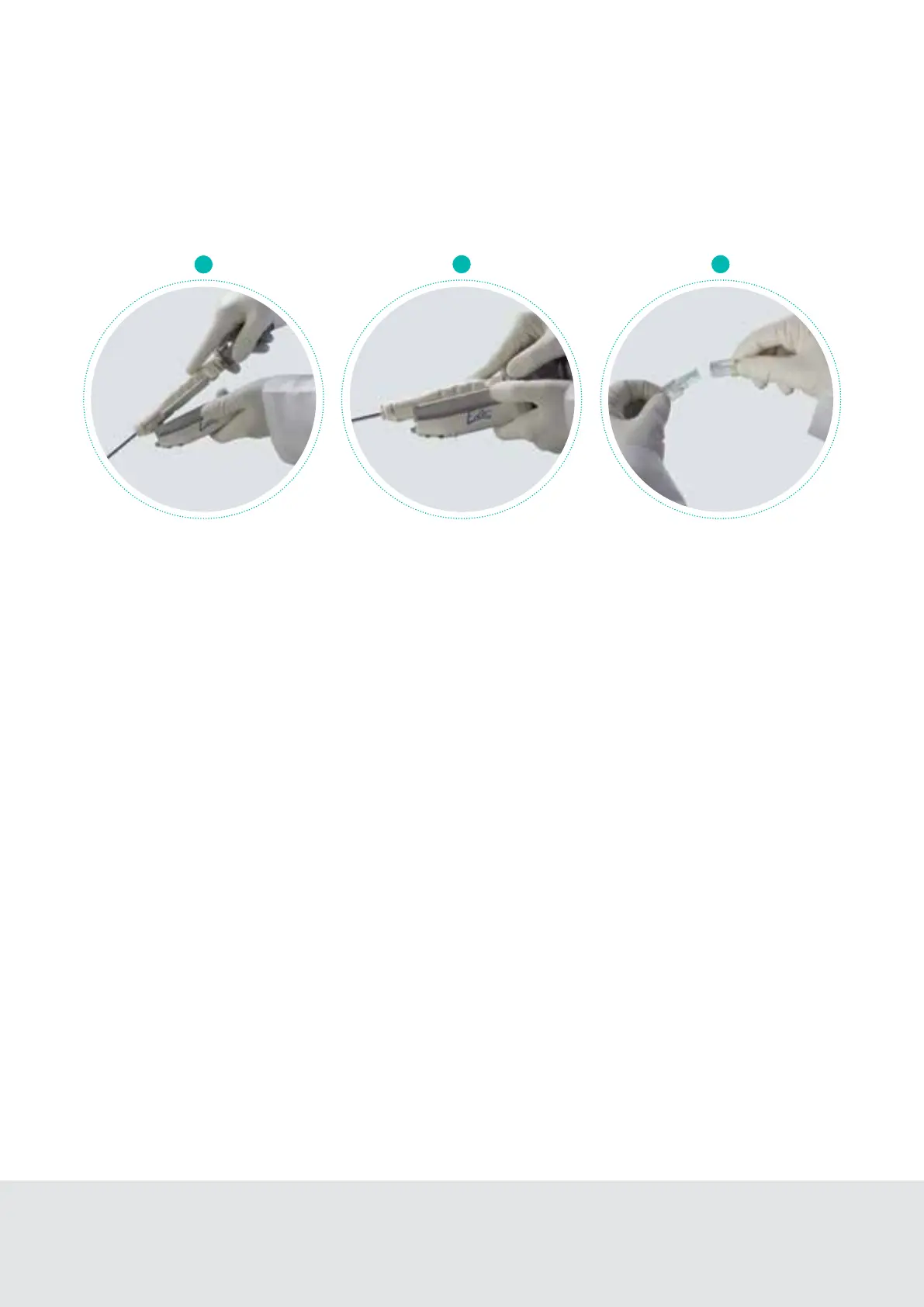
Slide the front of the MRI probe
beneath the leading edge guides
on the MRI Driver.
Connect the extension tubing to the
cassette (large purple port). Then,
attach other end of extension tubing to
the probe’s tubing. Connect rinse lines
(small blue port) if using rinse.
Snap the rear of the probe
into place. An audible click
should be heard.



 To Next Page