EasyManua.ls Logo

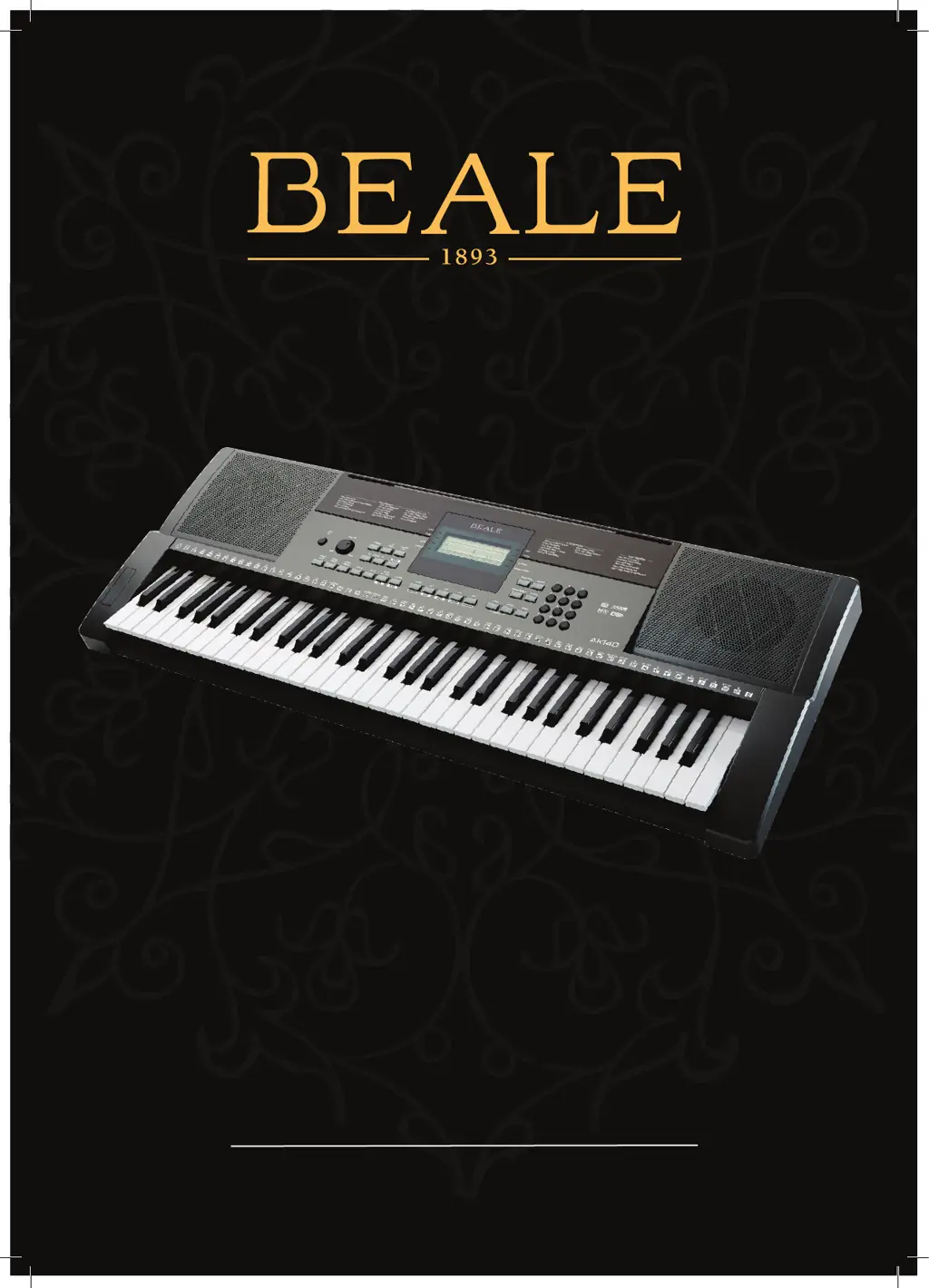
BEALE AK140 - User Manual

BEALE AK140
24 pages
Print Icon
To Next Page IconTo Next Page
Loading...
USER MANUAL
AK140
61 KEY ELECTRONIC KEYBOARD

Questions and Answers

  • D
    davidbrownAug 7, 2025
    Why is there noise when using a mobile phone near my BEALE AK140 Electronic Keyboard?
    • A
      Ashley DixonAug 7, 2025
      If you hear noise when using a mobile phone near the BEALE Electronic Keyboard AK140, it may be due to interference. To resolve this, either turn off the mobile phone or move it further away from the keyboard.
  • T
    Tyler SchmidtAug 21, 2025
    What to do if auto accompaniment doesn't sync on my BEALE AK140?
    • D
      Donald RamirezAug 21, 2025
      To start the accompaniment with Sync Start on your BEALE Electronic Keyboard, ensure you play a key in the left-hand range of the keyboard. Starting accompaniment by playing a key in the right-hand range may prevent even Sync playback.

Summary

INFORMATION FOR YOUR SAFETY

CAUTION

Warning about electromagnetic interference affecting product function.

PRECAUTIONS

Important steps to take before operating the keyboard for safe use.

PANEL & DISPLAY DESCRIPTION

FRONT PANEL CONTROLS

Details the buttons and controls on the front of the keyboard.

SETUP

POWER SUPPLY

Instructions on how to power the keyboard using batteries or an AC adapter.

VOICES

PLAYING VOICES

How to select and play the 320 built-in voices.

LOWER FUNCTION

TOUCH RESPONSE

AUTO ACCOMPANIMENT

PLAY AUTO ACCOMPANIMENT

How to play with the automatic accompaniment styles.

SYNC START

TEMPO CONTROL

AUTO BASS CHORD

OTHER FUNCTION

MIXER SETTINGS

MEMORY FUNCTIONS

CHORD DICTIONARY

SONGS

SONG RECORDING

MIDI FUNCTIONS

TROUBLESHOOTING

SPECIFICATIONS

VOICE LIST

STYLE LIST

MIDI IMPLEMENTATION CHART

BEALE AK140 Specifications

General IconGeneral
Number of Keys61
Touch ResponseYes
Built-in SpeakersYes
Weight4.5 kg
Keyboard TypeSynth Action
Power SupplyAC Adapter