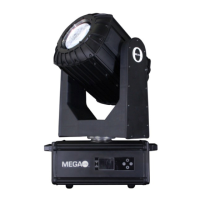
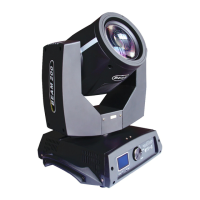
230W moving head beam light user manual
2.2.1 Manually
This interface is used to control the current lamps, at the same time get into the
master status(not receiving DMX signal, send DMX signal to slave through bus.
Manual Menu will show the 16 or 20 channels according to the standard 16 or
extended 20 channel setting in Setting Menu .
Press “OK” button into Edit Mode. Now
the hundred-bit is selected, press
“UP”,”DOWN” to change the channel
value. Press “OK” again to choose the
decade-bit to edit. Press “OK” once again
to choose the unit-bit, again to quit the Edit
Mode.
The Confirmation dialog will show after
pressing “OK” button, press “OK” again to
go into the Restore interface, all the motors
reset.
Show when the Channel Mode is set to
“Extended CH20”
18CH. The Color Wheel
Speed
Show when the Channel Mode is set to
“Extended CH20”
19CH.dimmer-prism-atomi
zer speed
Show when the Channel Mode is set to
“Extended CH20”
Show when the Channel Mode is set to
“Extended CH20”
2.2.2 Setting
Status of Slave: receive the DMX signal from the
main console or master
Demonstration of AUTO run effect.
Status of Master : AUTO and send DMX signal to
slave



 To Next Page