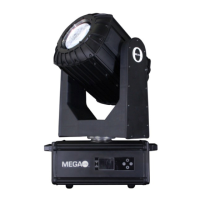
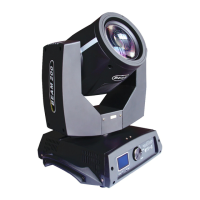
230W moving head beam light user manual
2.2.3 System
After entering into the sub-interface,
adjust the rest positions of motors in Pan
and Tilt to make up the error in hardware
installations, adjustment range is
-128~+127, +0 means no change.
0 is detected, otherwise 1
0 is detected, otherwise 1
0 is detected, otherwise 1
0 is detected, otherwise 1
0 is detected, otherwise 1
2 digits, each digit correspond to a
photoelectric switcher in encoding disk
2 digits, each digit correspond to a
photoelectric switcher in encoding disk
Positive direction, step value increases,
negative direction, step value
decreases.The same of values are normal



 To Next Page