27
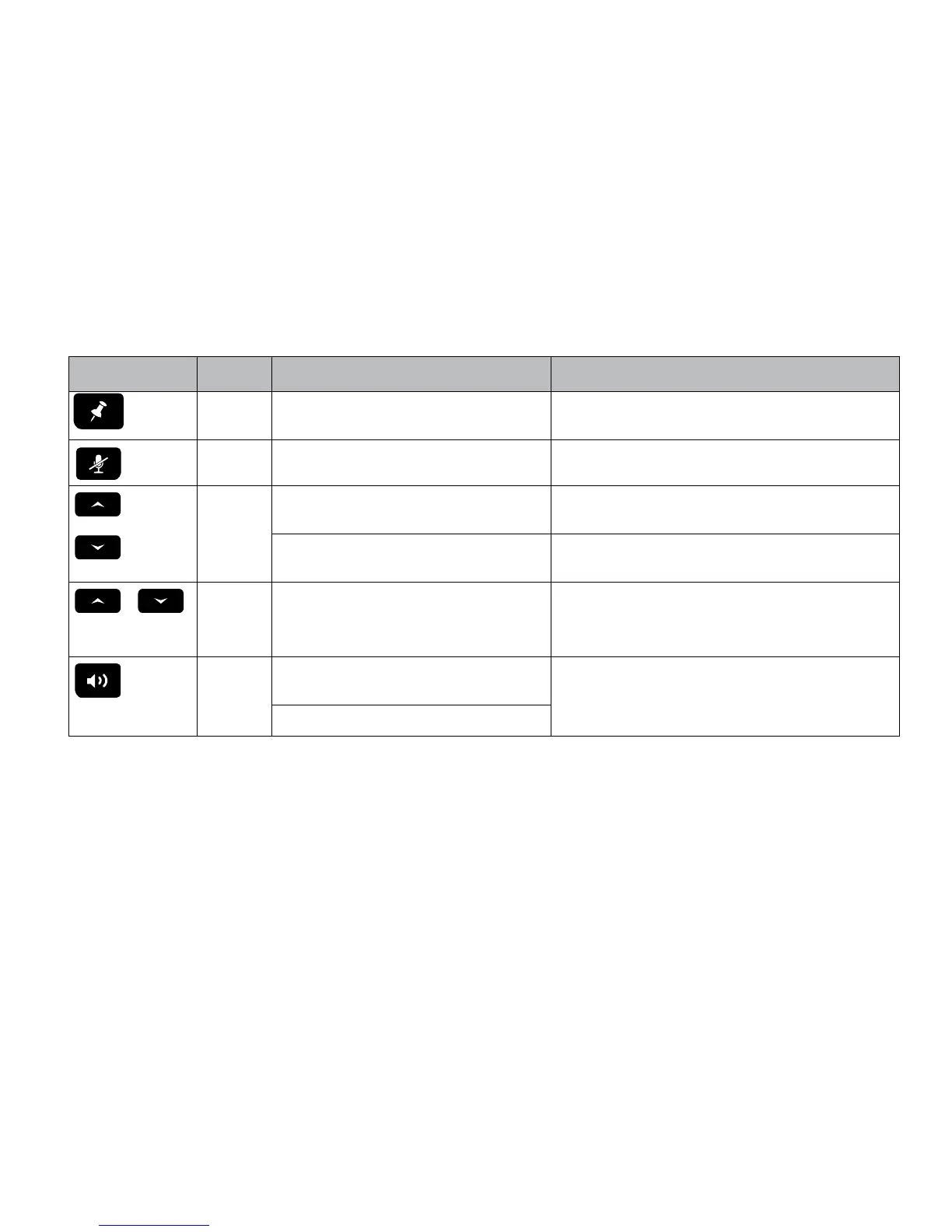
IsatDock2 PRO Front Panel
Location Button
Mode
Action LED/Sound
Singe press
(1 second) Send a Personal Alert message to IsatPhone 2’s
pre-congured destination. *
A beep will sound to indicate that a Personal Alert button was pressed. #
Mute
(1 second)
In a Call:
Mute the microphone (uplink) on the privacy handset
LED turns RED - Muted
LED turns OFF - Not muted
LED ashing Yellow - RJ11/POTS in use
OR
UP/DOWN In a Call:
Increase/decrease volume on the internal hardware or privacy
handset.
Audio will sound louder/quieter in privacy handset with each press.
Out of Call:
Increase/decrease volume of incoming ring tone on the
internal hardware speaker.
A beep will sound indicating the increased/decreased ring tone volume .
+
Brightness
dual button
simultaneous
press
(1 second)
Out of Call:
Enter LED brightness change mode. Press UP and DOWN
arrows to vary intensity. Mode will automatically exit after 5
seconds after the last button press.
All LED’s will change to WHITE and a double beep will sound when entering
brightness change mode.
A short single beep will sound when exiting change mode.
Speakerphone
press ON/OFF
In a Call:
Terminate call if speakerphone mode is active
Activate speakerphone mode if Privacy Handset mode is active.
LED turns GREEN - Speakerphone mode active
LED turns OFF - Speakerphone mode not active
Out of Call:
Answer inbound call in speakerphone mode
* This action is optional, only when the Personal Alert Mode for your IsatPhone 2 is congured.
# A beep will only sound if audible alerts are enabled in the Falcon.


 To Next Page