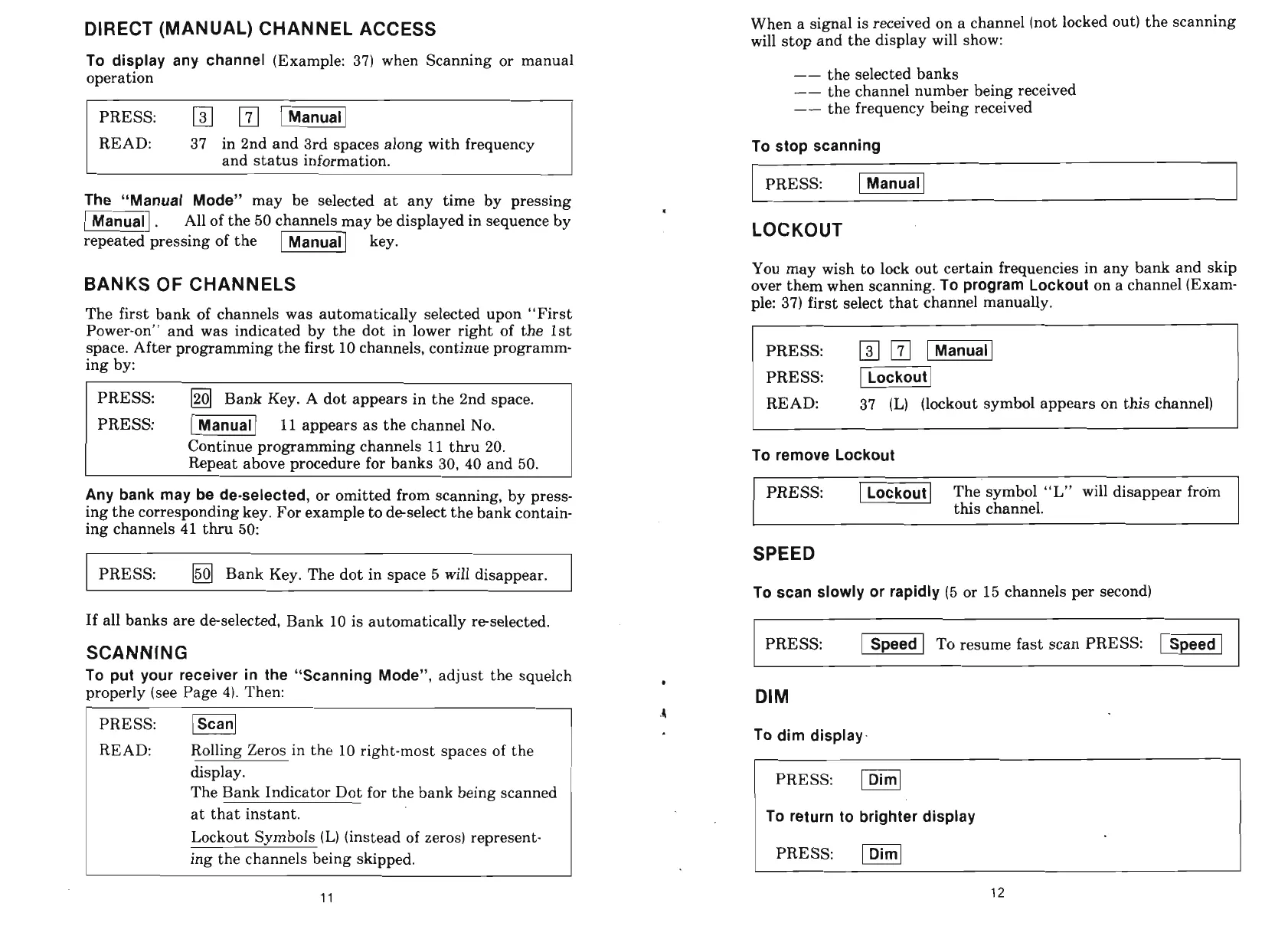
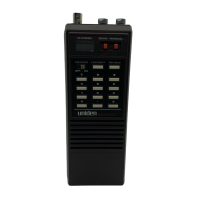
DIRECT (MANUAL) CHANNEL ACCESS
To display any channel
(Example: 37) when Scanning or manual
operation
PRESS:
rn
-1
READ: 37 in 2nd and 3rd spaces along with frequency
and status information.
When a signal is received on a channel (not locked out) the scanning
will stop and the display will show:
--
the selected banks
--
the channel number being received
--
the frequency being received
To stop scanning
PRESS:
1-1
The "Manual Mode"
may be selected at any time by pressing
-1
.
All of the 50 channels may be displayed in sequence by
.
repeated pressing of the
-1
key.
LOCKOUT
You may wish to lock out certain frequencies in any bank and skip
BANKS OF CHANNELS
over them when scanning.
To program Lockout
on a channel (Exam-
ple: 37) first select that channel manually.
The first bank of channels was automatically selected upon "First
Power-on" and was indicated by the dot in lower right of the 1st
space. After programming the first 10 channels, continue programm-
ing by:
PRESS:
1201
Bank Key. A dot appears in the 2nd space.
PRESS:
/]
11
appears as the channel No.
Continue programming channels
11
thru 20.
Repeat above procedure for banks 30, 40 and 50.
Any bank may be de-selected,
or omitted from scanning, by press-
ing the corresponding key. For example to deselect the bank contain-
ing channels 41 thru 50:
PRESS:
(501
Bank Key. The dot in space 5 will disappear.
If all banks are deselected, Bank 10 is automatically reselected.
SCANNING
PRESS:
PRESS:
(Lockout(
READ: 37
(L)
(lockout symbol appears on this channel)
To remove Lockout
PRESS:
Ilocko;i]
The symbol "L" will disappear froin
this
channel.
SPEED
To scan slowly or rapidly
(5
or 15 channels per second)
PRESS:
-Speed
To resume fast scan PRESS:
[Speed1
PRESS:
READ:
Rolling Zeros in the 10 right-most spaces of the
display.
The Bank Indicator Dot for the bank being scanned
at that instant.
Lockout Symbols (L) (instead of zeros) represent-
ing the channels being skipped.
To put your receiver in the "Scanning Mode",
adjust the squelch
properly (see Page 4). Then:
DIM
4
To dim display-
PRESS:
To return to brighter display
PRESS:
F]


 To Next Page