Parameter menu point L - AttitudeControl mode
AttitudeControl can be used to level the helicopter automatically by the ip of a switch. This provides dierent applications
i.e. to use as bail out rescue in case the pilot looses orientation, to have a training aid for learning new ight maneuvers or to
use as stabilization for camera ights. At Parameter menu point L you can choose between dierent operation modes and
applications that determine how the helicopter will be stabilized exactly when activating AttitudeControl in ight. Please see
the instruction manual for further reference. For the beginning we recommend using the „Rescue mode with pitch control“.
Parameter menu point M - AttitudeControl pitch
When you choose an AttitudeControl mode „with pitch control“ at menu point L additionally menu point M will appear after
pressing the button at L. Here you can adjust the collective pitch that will be used when AttitudeControl is activated and the
heli is hovering stable. Use the stick for aileron to adjust the pitch if necessary.
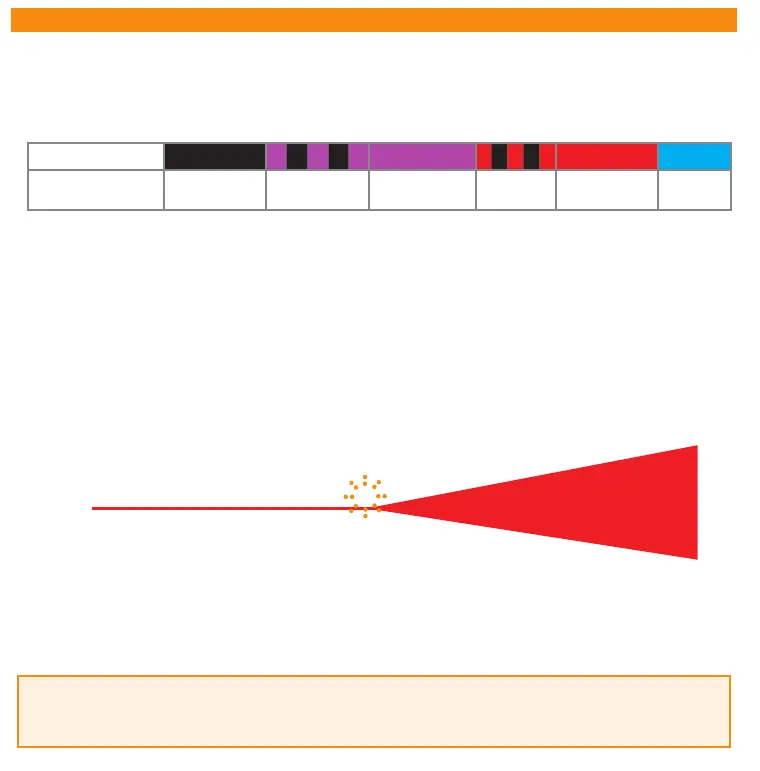
Status LED o ashing purple purple ashing red red blue
L
AttitudeControl
Operation mode
AttitudeControl
disabled*
Bail out rescue
Bail out rescue
w. pitch control
3D Mode
3D Mode w.
pitch control
Flight
trainer
10. ATTITUDECONTROL (OPTIONAL)
If switching AttitudeControl works the other way round (one of the Menu LEDs B - N lights up when the AttitudeControl
switch is in„o“-Position and you can‘t increase further than Menu LED A when the switch is in „on“-Position) then reverse
the channel for AttitudeControl by using the servo reverse function of your transmitter.
B
C
D
E
F
G
H
I
J
K
L
M
N
-100% +100%0%
Menü
LED (= gain)
Channel for AttitudeControl
AttitudeControl on
(Status LED: red)
AttitudeControl o
(Status LED: red)
A
For the rst ight it is recommended to adjust the throw of the AttitudeControl channel just until Menu LED G lights up when
AttitudeControl is activated with the switch on the transmitter. Later onwards you may increase or decrease the throw which
determines how fast and violent the helicopter will be rotated back to and held in horizontal position. If the switch channel is
in „AttitudeControl o“ position the amount of throw is not of importance for AttitudeControl (in case this switch channel
doesn‘t control the tail gyro as well, see next page).
Programming the transmitter
In case AttitudeControl has been enabled at Parameter menu point L you can activate it in ight by moving the channel for
AttitudeControl into one direction. There are 2 options for the control channel: Either you use a separate switch channel that
can be assigned in Receiver setup menu (or which is set by default) or you use the tail gyro gain channel also for adjusting
AttitudeControl. While in operation mode you can check if activating AttitudeControl is working properly. Whenever the
AttitudeControl status changes the Status LED will light solid red and the Menu LEDs indicate whether AttitudeControl is on or
o and how strong it will react. After 8 seconds the display changes back to showing the tail gyro operation mode.


 To Next Page
 Loading...

