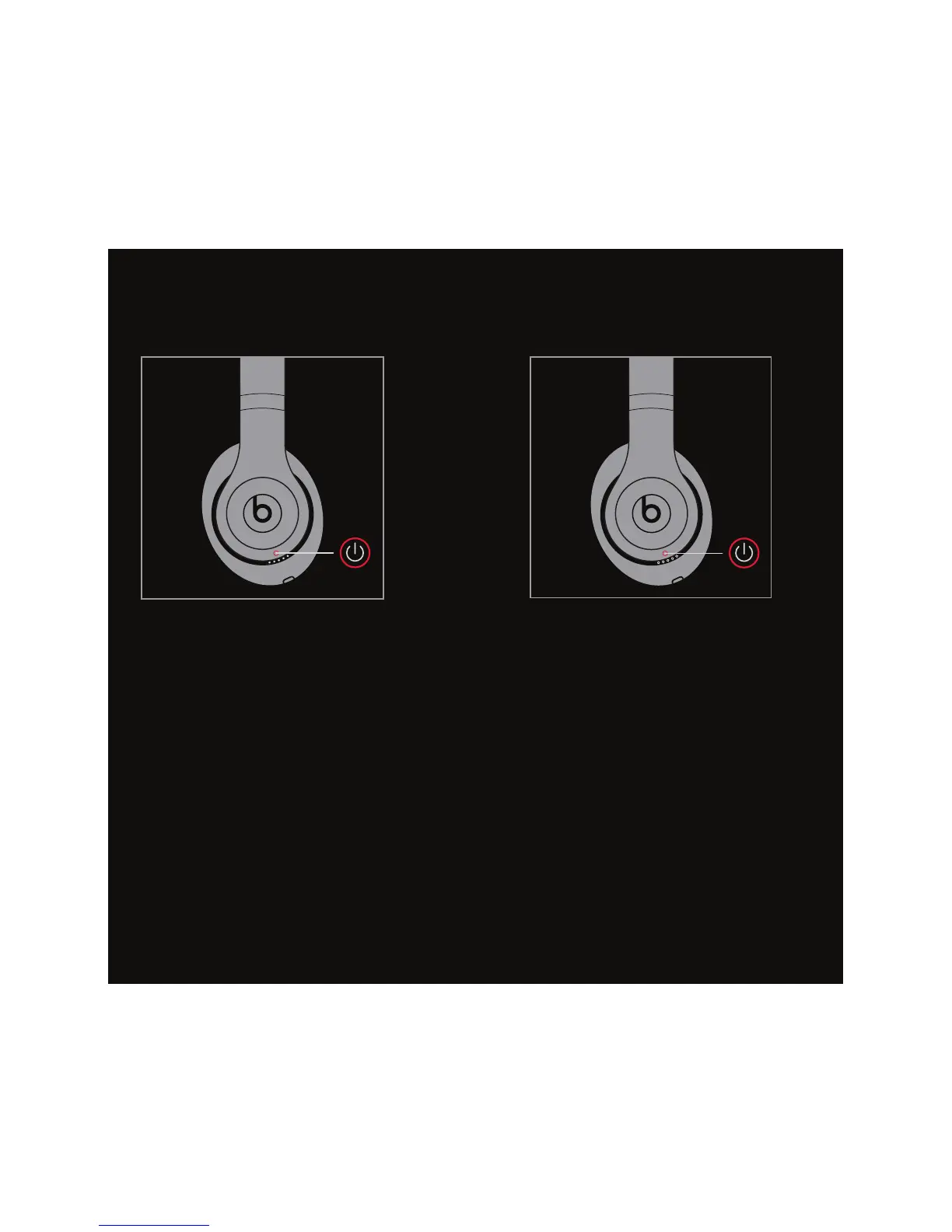
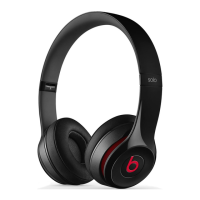
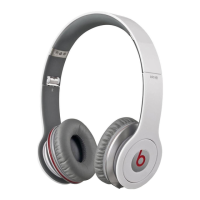
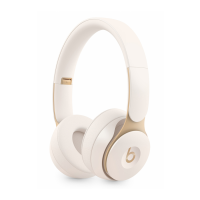
EN Press power button to turn
off headphone.
FR Appuyez sur le bouton d’alimentation
pour fermer le casque d’écoute.
ES Presione el botón de encendido para
apagar el audífono.
PT Aperte o botão liga/desliga para
desligar o fone de ouvido.
EN Press power button without cable for
Wireless mode.
FR Appuyez sur le bouton d’alimentation
sans le câble pour le mode sans fil.
ES Presione el botón de encendido sin el
cable para el modo Inalámbrico.
PT Pressione o botão liga/desliga sem o
cabo para o modo Sem Fio.
WIRELESS MODE


 To Next Page