10
Under split screen mode ( CAM 1+2 or CAM 3+4), only the sound from either one camera
can be heard (as indicated by a flashing CAM No.), short press OK button 19 can switch
to listen to the other camera.
Note : Auto motion tracking function is not available under split screen mode.
Under auto scan mode, the screen 20 will show the image of each camera in turn for a
period of 8 sec. After 32 sec, if no camera detects any sound, the screen 20 will be off
(subjected to screen always on mode is not selected) until any one of the camera detects
a sound, PU will stay to view that camera until the sound goes off.
The viewing of camera has following priority :
CAM 1 > CAM 2 > CAM 3 > CAM 4
This means while PU is viewing CAM 3, if CAM 1 detects a sound, PU will immediately
switch to view CAM 1 until the sound is off, then it will switch back to view CAM 3.
To enable parent not to miss the activity of other camera, when PU is viewing a camera
and another camera of lower priority detects a sound, its camera no. will be shown
flashing on screen 20. If parents prefer to view this camera, by short press OK button 19,
PU can toggle to view between these two cameras
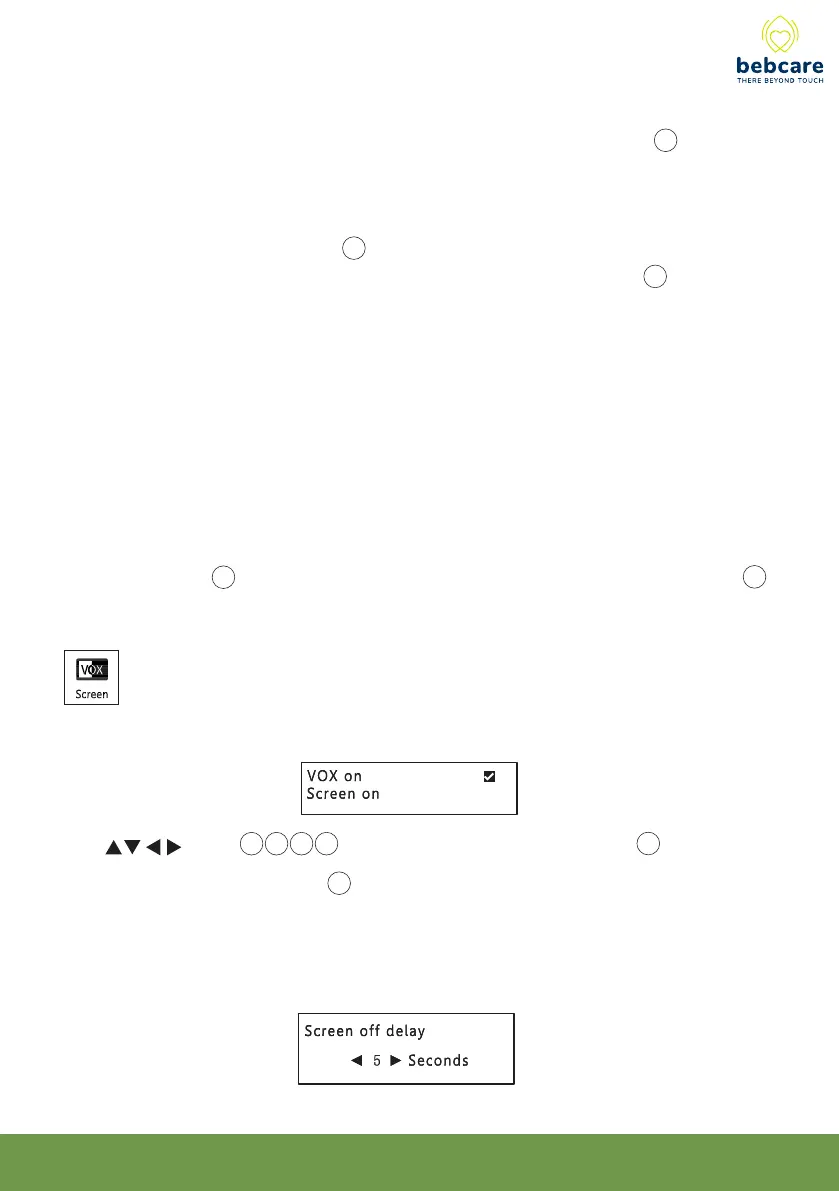
This function is to select between VOX on or screen on mode
Use button 14 15 16 17 to select, then short press OK button 19 to confirm.
Under VOX on mode, the screen 20 will be turned on automatically whenever the camera
detects baby cry and shut down automatically after a delay of 5 - 25 sec (as selected by
parents) once the baby stop making sound. This way the PU will consume less battery
power and the radiation from camera is reduced to a minimum level.



 To Next Page