12
This function is to set the night light in camera to ON, OFF or VOX mode
Use button 14 15 to select, then short press OK button 19 to confirm.
Under VOX mode, the night light will be on once the camera detects baby’s cry and
go off when the environment become silence.
Light
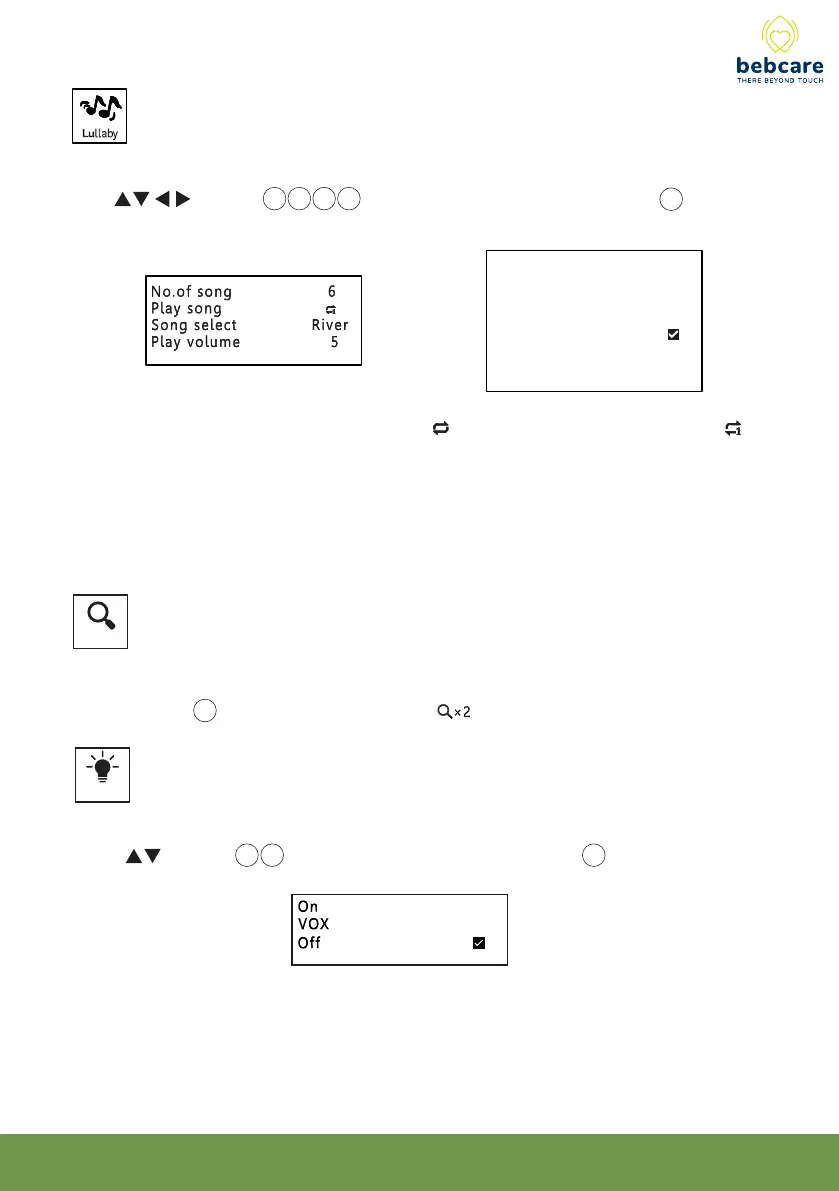
This function is to select the lullaby/nature sound to be played in camera and its volume
Use button 14 15 16 17 to select, then short press OK button 19 to confirm.
The lullaby will be played sequentially (when is selected) or repeat itself (when is
selected). Note the lullaby/nature sound will be played for 20 min and stop automatically if
no baby sound is detected. In case baby starts crying, the music will be played for
another 20 min.
This function is to select between screen magnification x 1 or x 2
Use OK button 19 to select. If x 2 is selected, will show up on screen.
Zoom x 2



 To Next Page