www.mybebook.com
7.8 Dictionary View (optional)
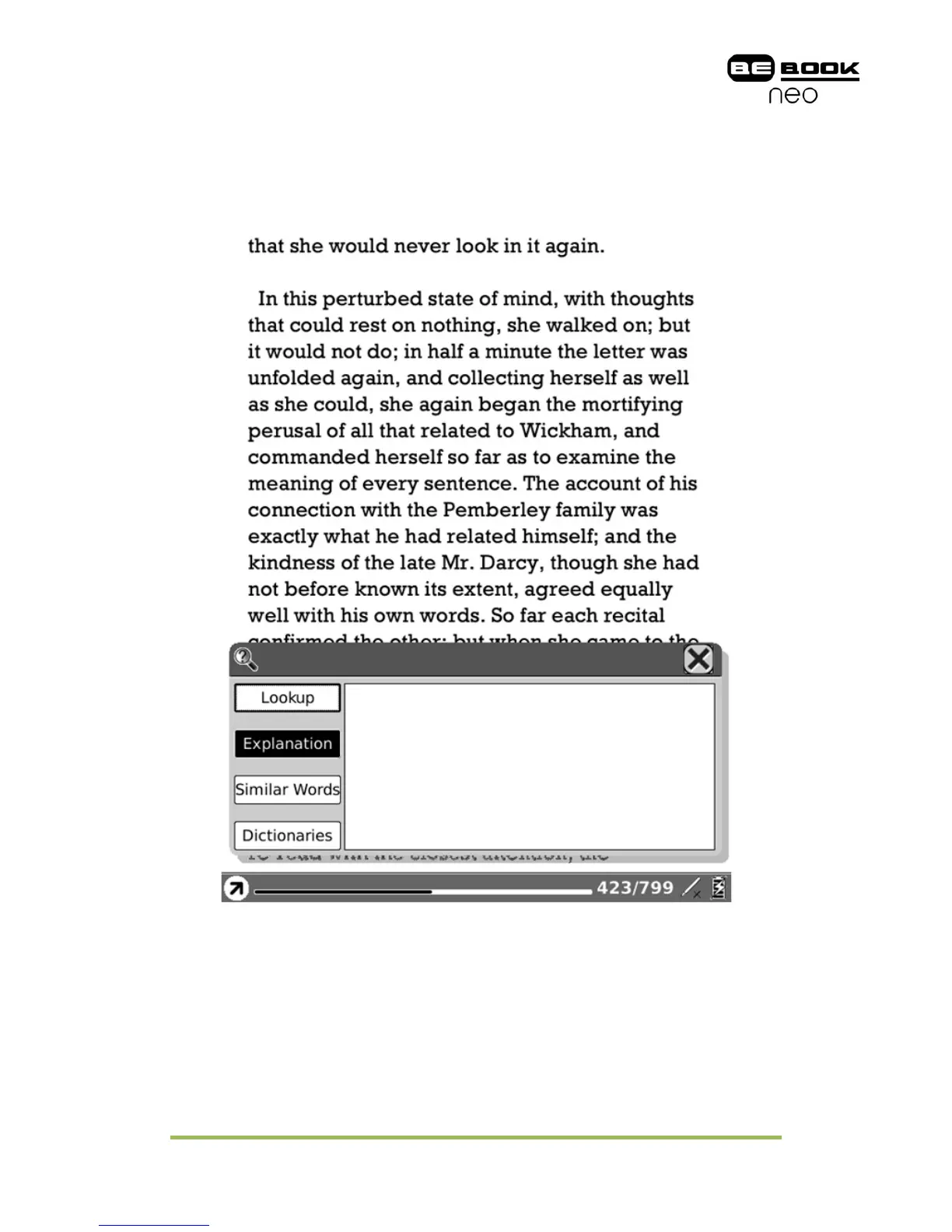
Dictionary view (optional) is used for translating or explaining a pattern string. You
select a string from the texts of current screen, then the translation or explanation
of this string displays on the content view.
Fig. 7.8 Dictionary View
7.8.1 Content View
Display the translation or explanation of the pattern string.
7.8.2 Explanation Button
Click this button to display the explanation of the pattern string.



 To Next Page