www.mybebook.com
7.3.3 Stylus Indicator
The stylus indicator is shown while viewing PDF(DRM)/EPub(DRM)/Image
document.
7.3.3.1 Sketch
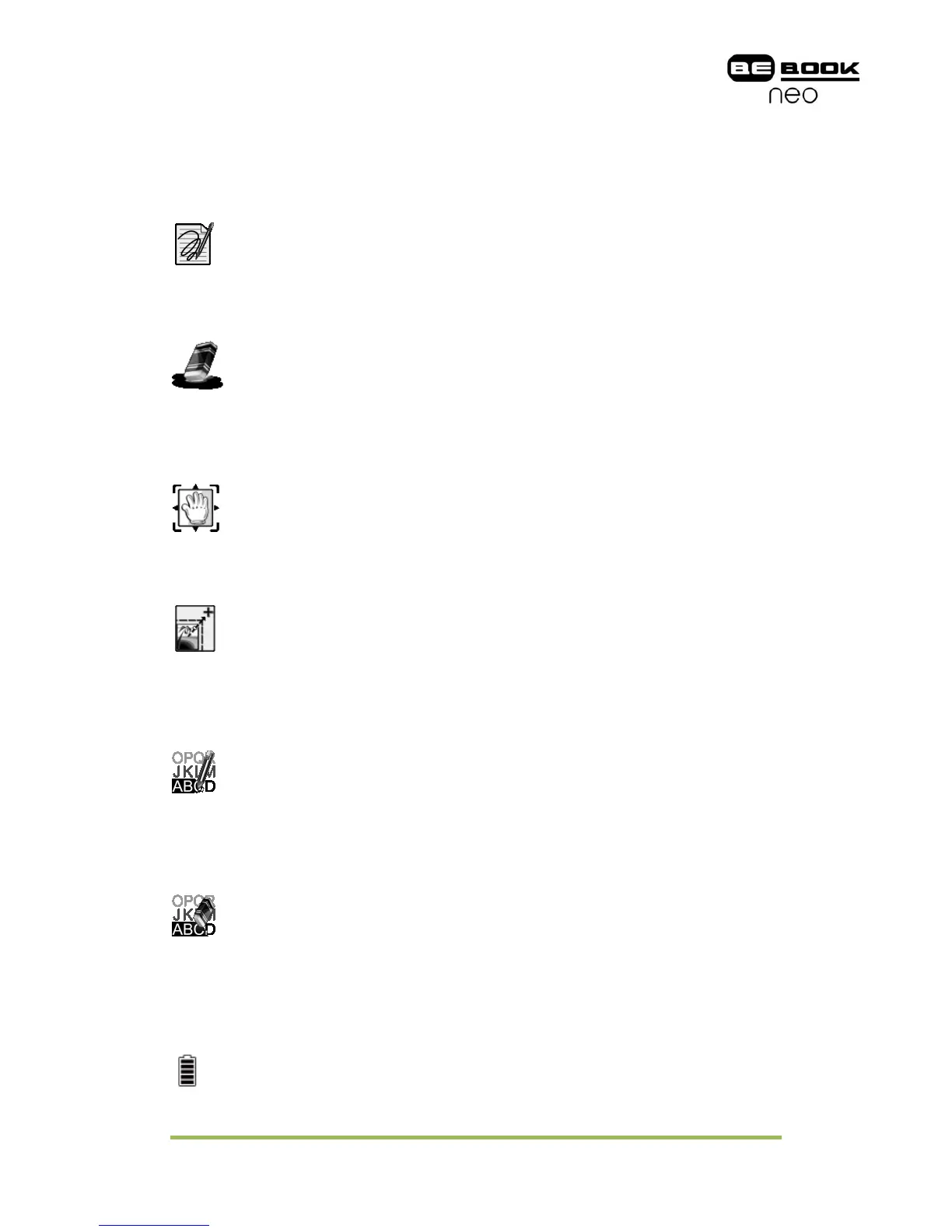
This icon appears when device enters sketch status. You can sketch on the drawing
area of the screen.
7.3.3.2 Erase Sketches
This icon appears when device enters erasing sketch status. You can erase the
sketches displayed on screen. If the pen hits the notes, the notes disappear
immediately.
7.3.3.3 Hand Tool
This icon appears when device enters dragging status. You can drag the content by
stylus as using the hand.
7.3.3.4 Selection Zoom
This icon appears when device enters selection zoom status. You can zoom in the
content you are interested by stylus. A box appears following the track of the pen,
then the area of the box would be zoomed in to fit the screen.
7.3.3.5 Annotate
This icon appears when device enters annotation status. You can take annotations
on the text-based content. The annotated texts are highlighted following the track
of the pen.
7.3.3.6 Erase Annotations
This icon appears when device enters erasing annotation status. You can erase the
annotations displayed on screen by stylus. If the pen hits the highlighted texts, the
highlighting effect on these texts disappears.
7.3.3.7 Power Indicator
Power indicator shows current status of the battery.



 To Next Page