www.mybebook.com
7.3 Tool Bar
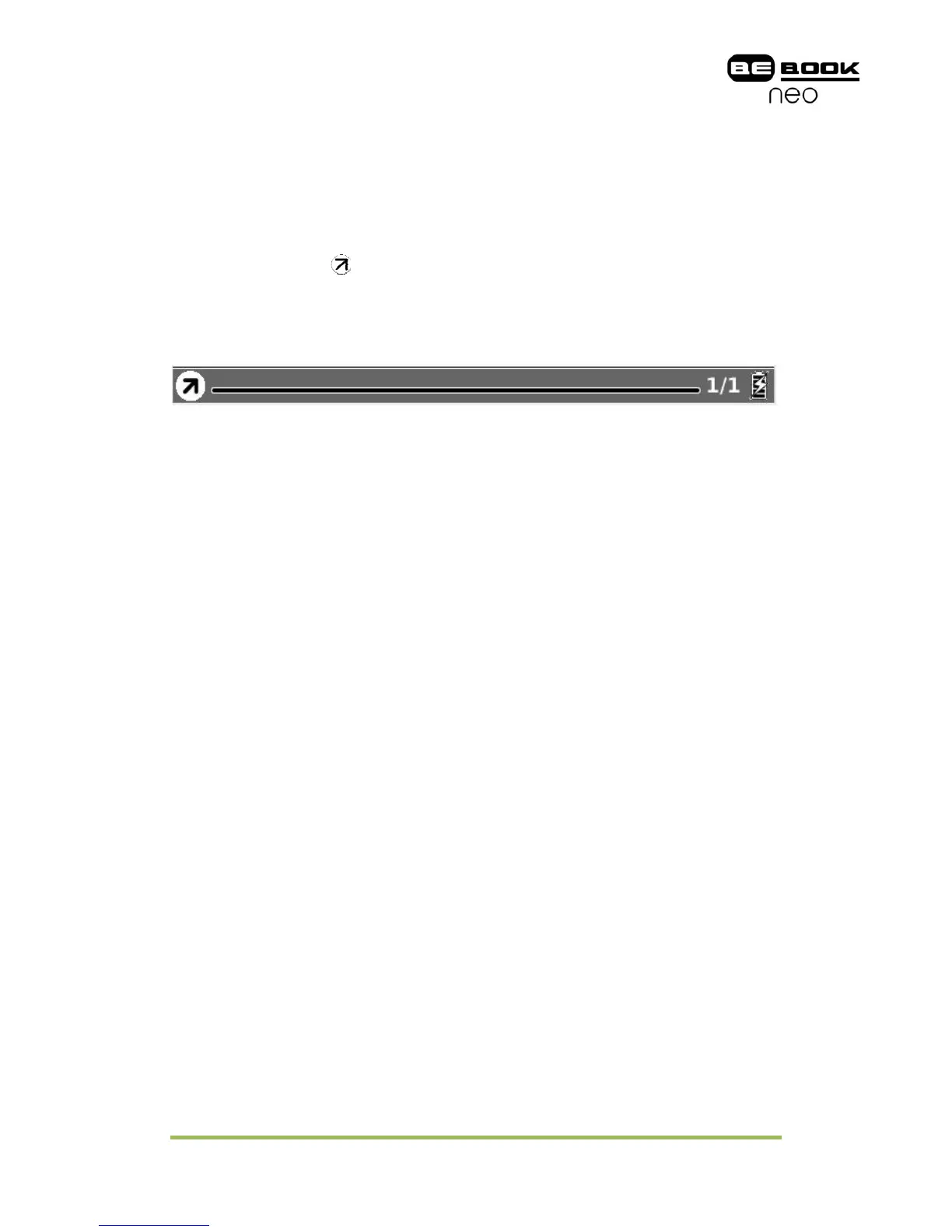
Tool Bar shows you information about the current screen. This information can
include Menu Button, Progress Bar to show progress in a book or progress in loading
a website and battery status.
7.3.1 Menu Button
Select the Menu button then the menu pops up. Most of the operations to BeBook
Neo can be done by accessing the menu.
Fig. 7.3 Snapshot of Tool Bar



 To Next Page