www.mybebook.com
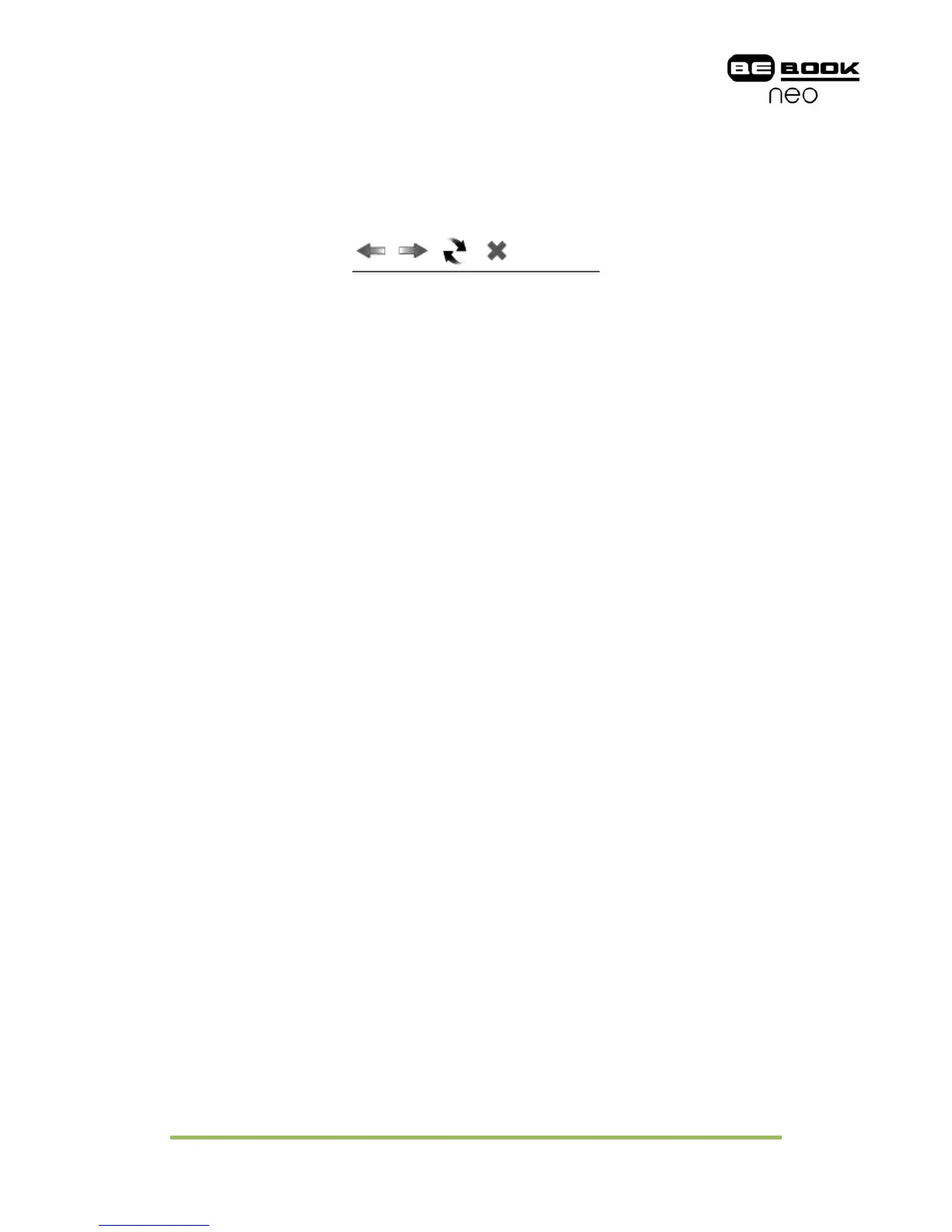
7.5.1 Tool Bar
Tool bar provides four functions: going back to the previous website, going forward
to the next website, refreshing current website, stopping the loading of current
page.
6.5.1 Tool Bar of Web Browser
7.5.2 Input by Keyboard
You can input text on website by stylus if the page provides standard form widget.
A keyboard appears after you put focus on the form. The input text string is
displayed on the form after you confirm the input is done (by clicking OK button).



 To Next Page