3. WAN Link Interface and Connection
BEC MX-210NP supports failover and failback on multiple WAN interfaces, 4G/LTE and
EWAN. <Please refer to User Manual for detailed Internet setup>
3.1 Mobile 4G/LTE Connection
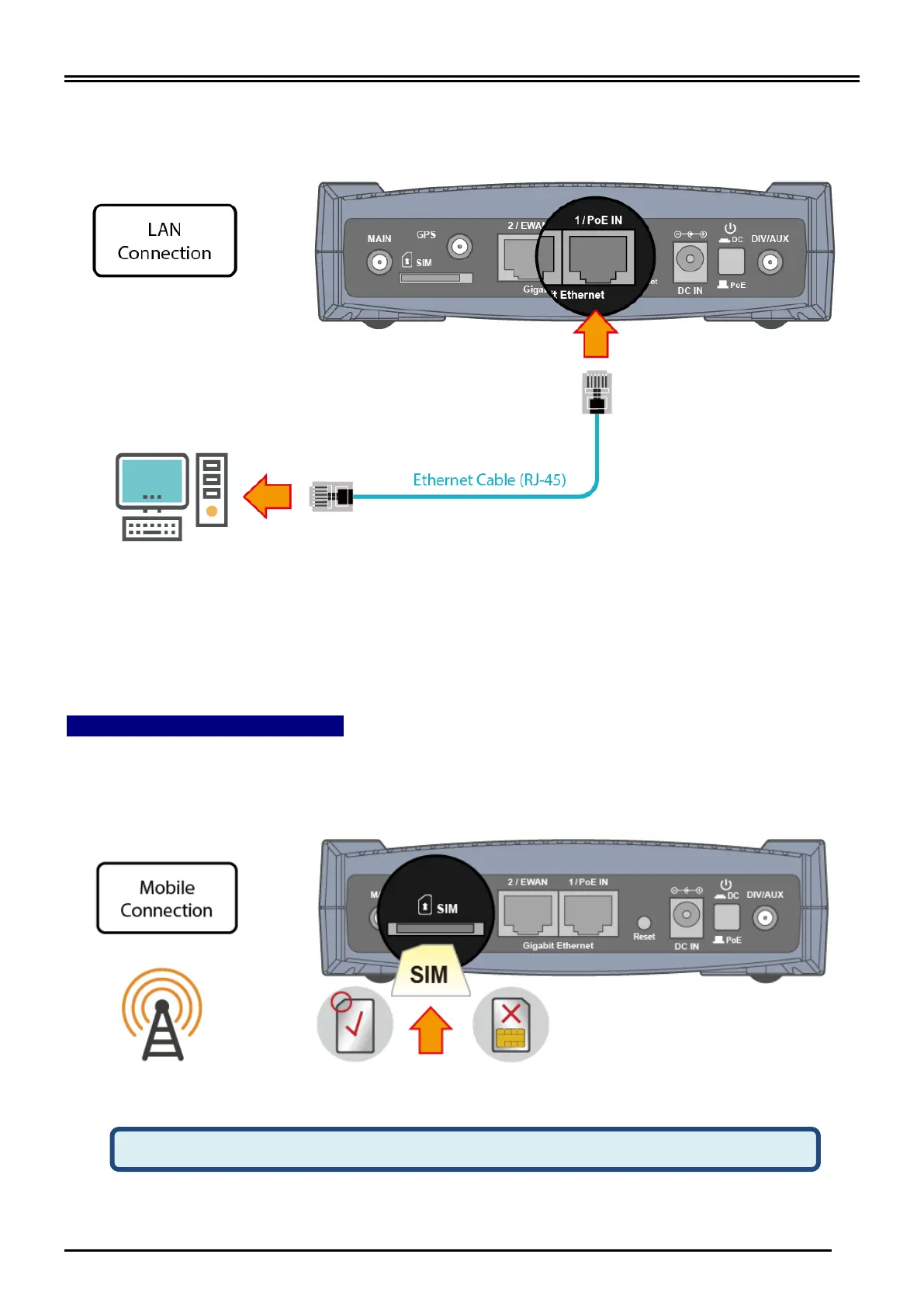
Slide the SIM card into the card slot of the device with the gold contact facing down. Make
sure that the SIM card has been slid into the bottom of the slot with a click. When removing
the SIM card, press the SIM card again it will be ejected from the card slot.



 To Next Page