Technical Instruction
Post Installation Test
Retrofit-Instructions Issue 01 November 2016 AR6201 15
4.1.5. Interference Check
• Check the 620X while engine is running and all other avionics/ electrical systems on the
aircraft are powered, to verify that no significant interference exists.
• Check also that the 620X does not cause significant interference with other systems.
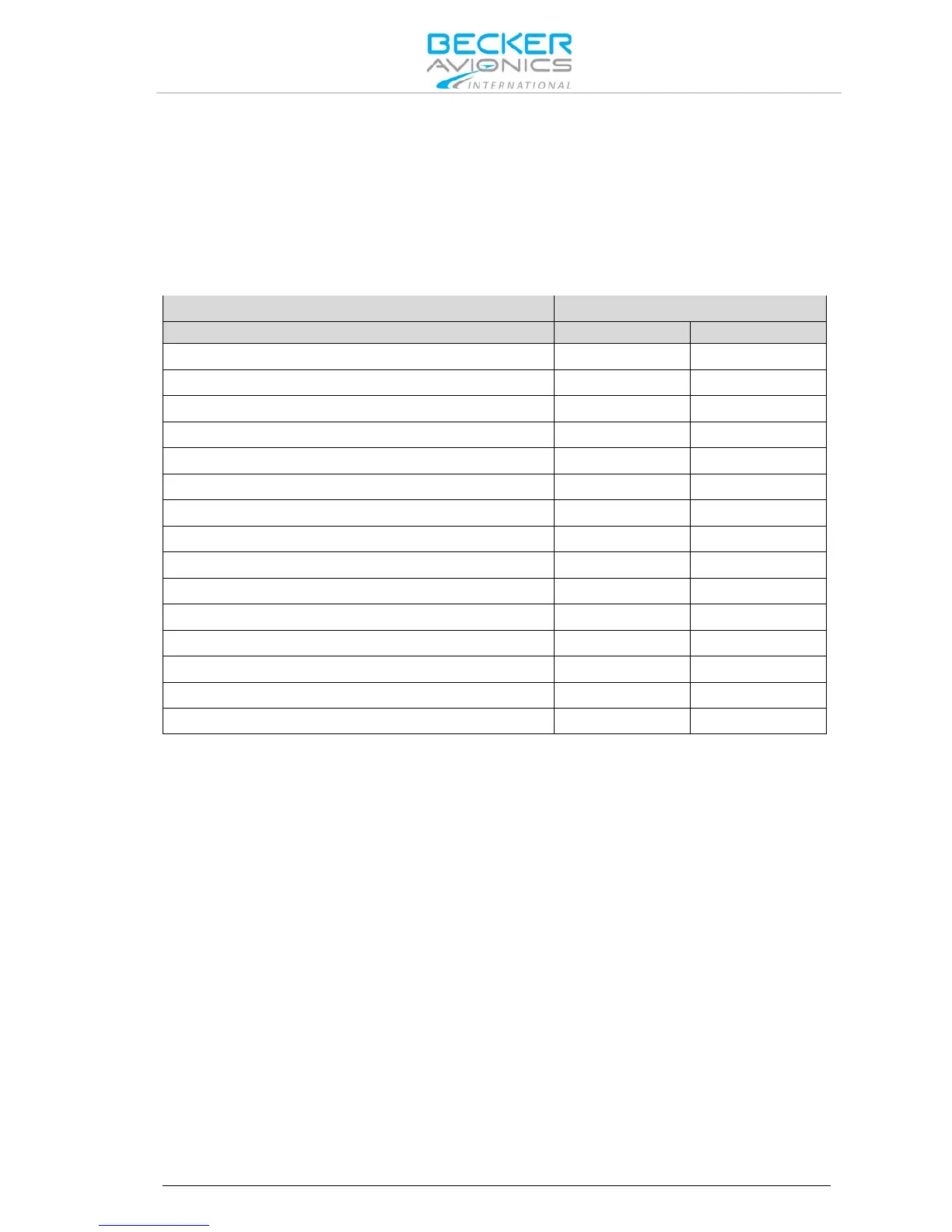
The installer´s standard test procedure may be used for the interference check and the table can be
taken as a reference. Depending on the individual avionic systems installed in the aircraft, it might be
necessary to extend the following checklist accordingly.
• Power the GPS and make sure that not less than 5 satellites are tracked.
• Check the interference between the VHF-COM and the GPS receiver (when activated in
NAV mode).
• Select the following channels/frequencies on the 620X and on each frequency stay in TX
and RX mode for at least 30 seconds.
• Verify that GPS integrity flag is always out of view.



 To Next Page