AR6201 - RT6201 - RCU6201 - AR6203
Page 3-10 DV 14307.03 Issue 1 7/2013
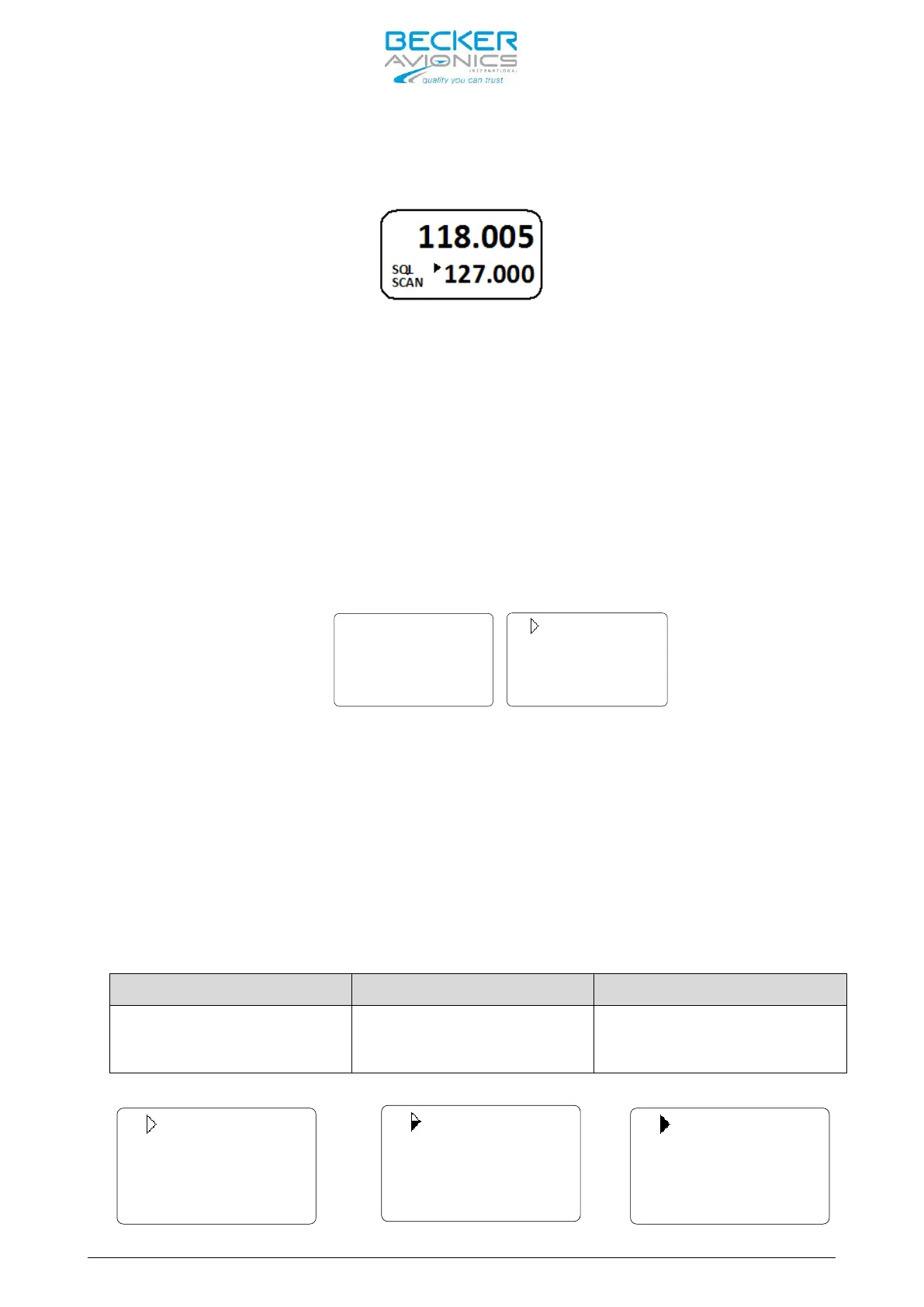
The arrow sign now appears in front of the preset frequency and the signal is
audible. A sample display shows the picture below.
Note: Transmission always uses the active frequency, even if the monitored
frequency is currently audible.
If TX on the preset frequency is required push the “↨/SCN” key to
swap active and preset frequency.
3.6 Squelch
Independent of the selected operation menu, squelch can be toggled “ON” or
“OFF” by a short press on “SQL/IC” key.
• If the squelch function is active (“ON”) the receiver noise is muted.
• If the Squelch is “OFF” the arrow sign “►” in front of the Active
Frequency stay visible all the time and receiver noise will be audible
as long as signal is received.
Squelch “ON” Squelch “OFF”
In the pilots menu, the squelch threshold is adjustable to a convenient
trigger level.
3.7 RX Field Strength Indication
The field strength indicator is represented by triangle on the left upper
corner of the corresponding frequency and will appear next to the active or
preset frequency in all frequency selection modes.
The field strength of the indicated incoming signals is based on measured
RSSI level. The three levels displayed are:
Excellent Signal Strength
RSSI
passing squelch level
-88 > RSSI > -80dBm
(half-filled triangle)
RSSI > -80dBm
(fully filled triangle)
118.200
SQL
119.300
118.200
SQL
119.300
118.200
SQL
119.300



 To Next Page