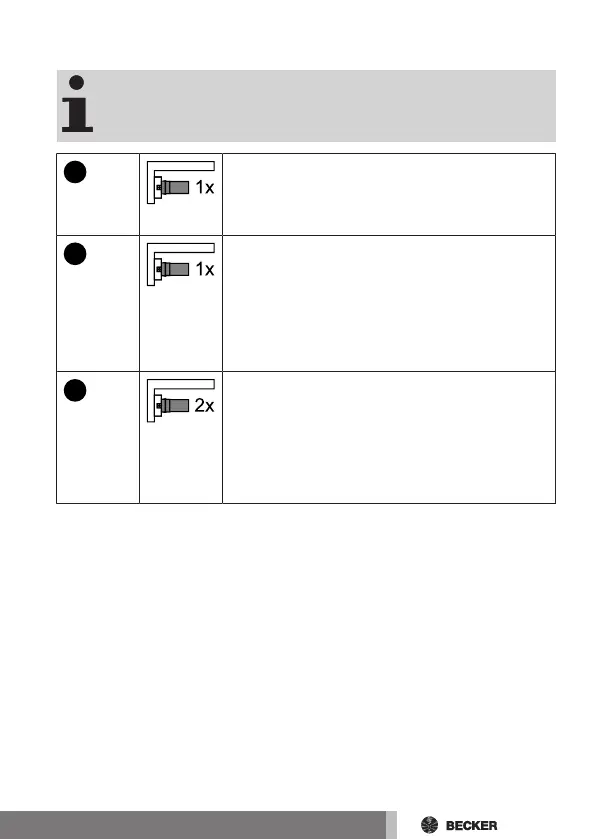
Programming additional transmitters
The number of additional transmitters that can be pro-
grammed depends on the receiver. This information can be
found in the instructions for the receiver.
3s
Press the programmed master transmitter's pro-
gramming button for 3 seconds.
▻ The receiver confirms.
3s
Now press the programming button of a new
transmitter which has not yet been programmed in
the radio receiver for 3 seconds. Doing so activ-
ates the programming mode of the radio receiver
for a new transmitter for 3 minutes.
▻ The receiver confirms.
3s
Now re-press the programming button of the new
transmitter you wish to program for 3 seconds.
▻ The receiver confirms.
► The new transmitter has now been pro-
grammed.
27-en



 To Next Page