22
Navigation mode
Destination input via
coordinates
If the geographical coordinates (latitude
and longitude) of a destination are
known, these can be entered and route
guidance to the destination started.
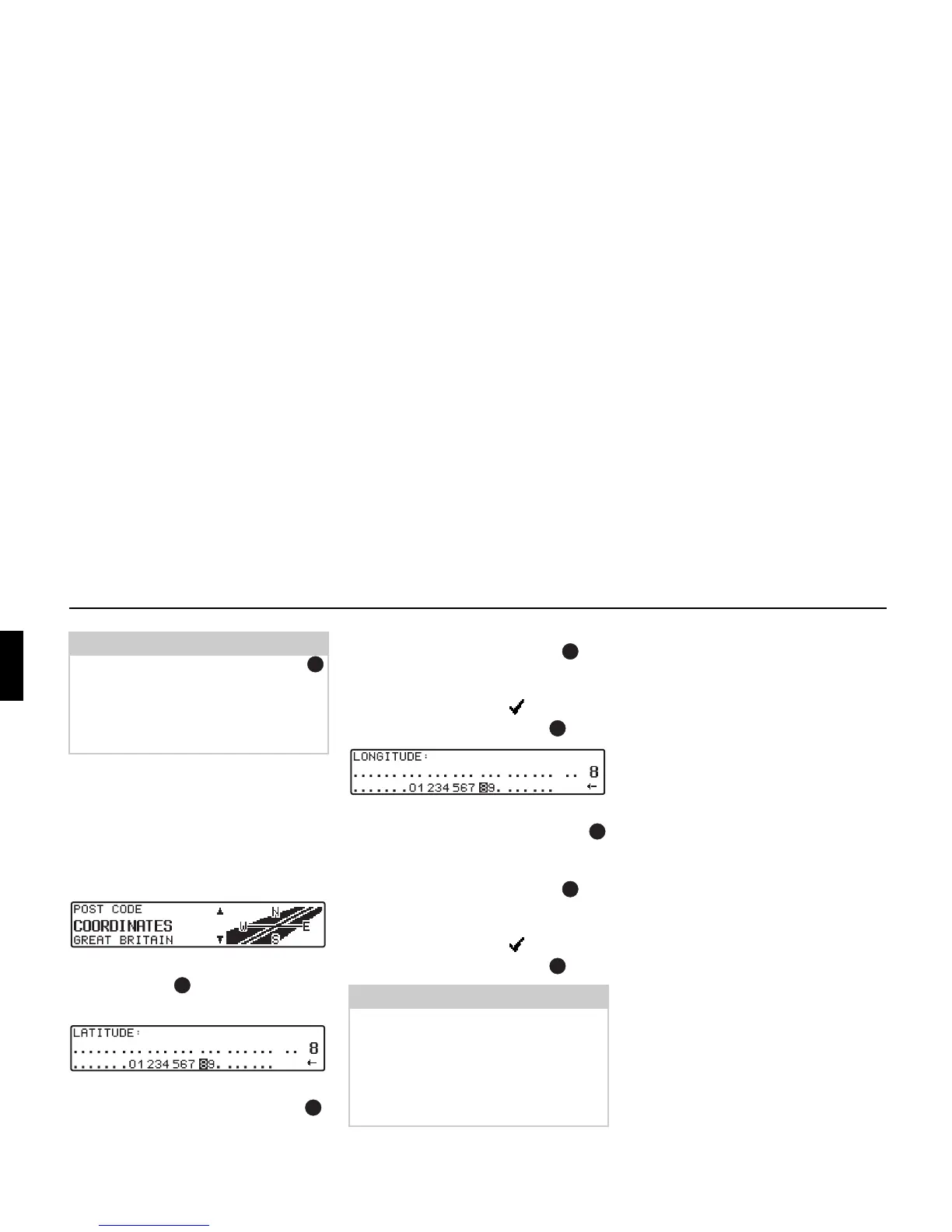
! Select COORDINATES with the right
rotary control and press the control
to confirm.
! Enter the latitude of the destination us-
ing the right-hand rotary control .
Entries must be made in degrees, min-
utes, seconds and a direction as the
crow flies, e.g.
11°38'34"N .
! To confirm the entry, press and hold
the right-hand rotary control for
more than 2 seconds.
or
! Select the small tick and briefly
press the right rotary control .
! Enter the longitude of the destination
using the right-hand rotary control
as described above.
! To confirm the entry, press and hold
the right-hand rotary control for
more than 2 seconds.
or
! Select the small tick and briefly
press the right rotary control .
The navigation system then requests a
name to be entered for the entered coor-
dinates.
! Enter a name as described in “Storing
a destination in the destination mem-
ory” on page 25.
The program then switches to the Route
menu.
Route guidance can now start.
Note:
By pressing the right rotary control
for more than 2 seconds without previ-
ously entering a letter, a list of the pos-
sible location centres will immediately
appear.
Note:
If the coordinates entered are located
beyond the boundaries of the digital
map, a message will appear notifying
you of this. The system cannot navigate
to a position beyond the boundaries of
the digital map.















 To Next Page