44
Navigation mode
The Destination Memory is then called
up automatically (see page 38).
With the right rotary control , select
the desired position in the Destination
Memory and press to confirm.
Calling up Position
! Call up Destination Memory (see
page 38) and select destination with
the right rotary control .
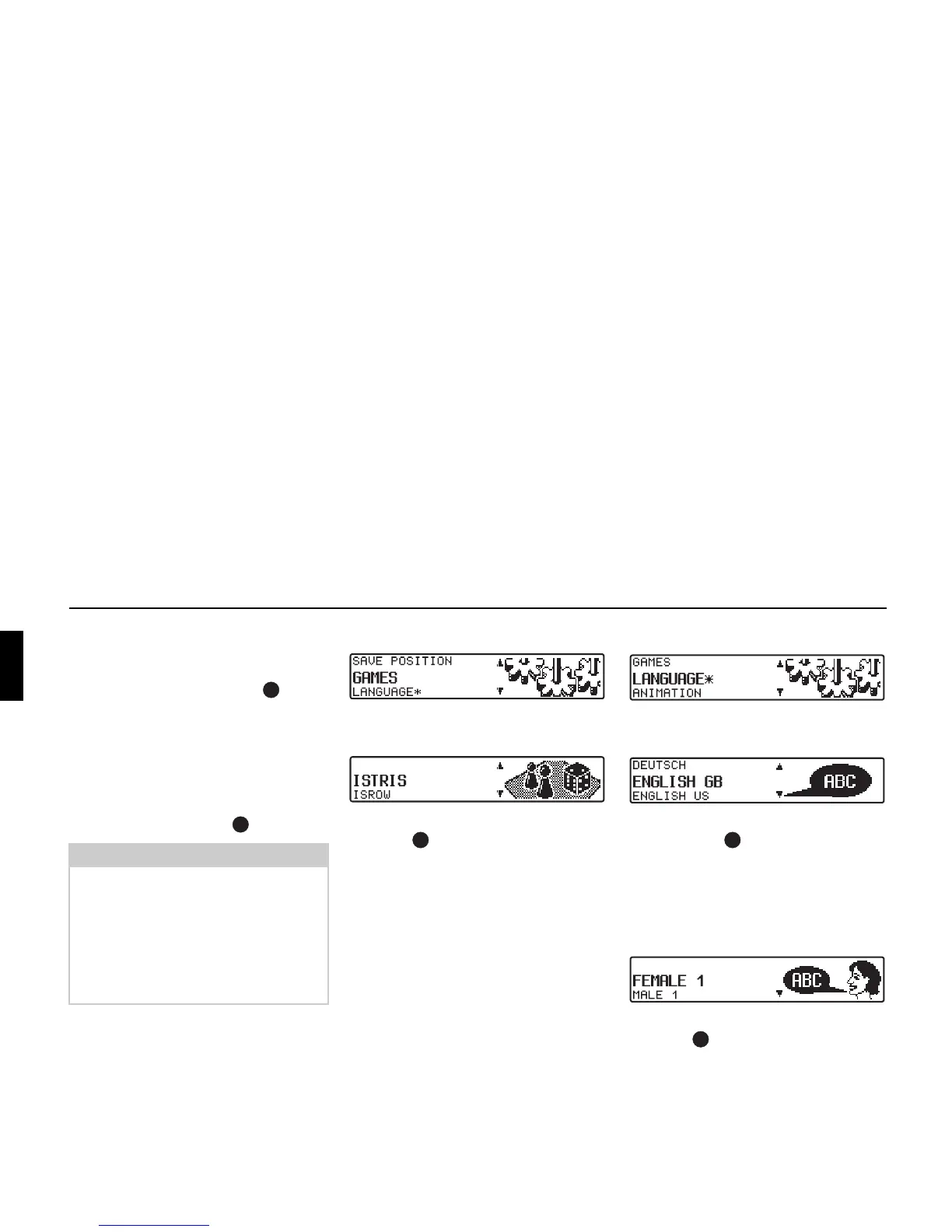
Selecting a game
! Set and confirm GAMES in the System
Settings menu.
! Select a game using the right rotary
control .
Setting the language
! Set and confirm LANGUAGE* in the
System Settings menu.
! Select the language using the right ro-
tary control . The language selec-
tion is applied when the control is
pressed, and the language is installed.
You can choose either a male or a female
voice for certain languages.
! Select the voice using the right rotary
control . The voice is applied and
installed by pressing the control.
The system returns to the system settings
menu after installation.
Note:
If the position is outside a digitised ar-
ea, the driver is guided along the digi-
tised route nearest to the destination.
The announcement “Your destination is
nearby” is given.
To reach the destination, follow the di-
rection arrows.















 To Next Page