79
Telephone mode
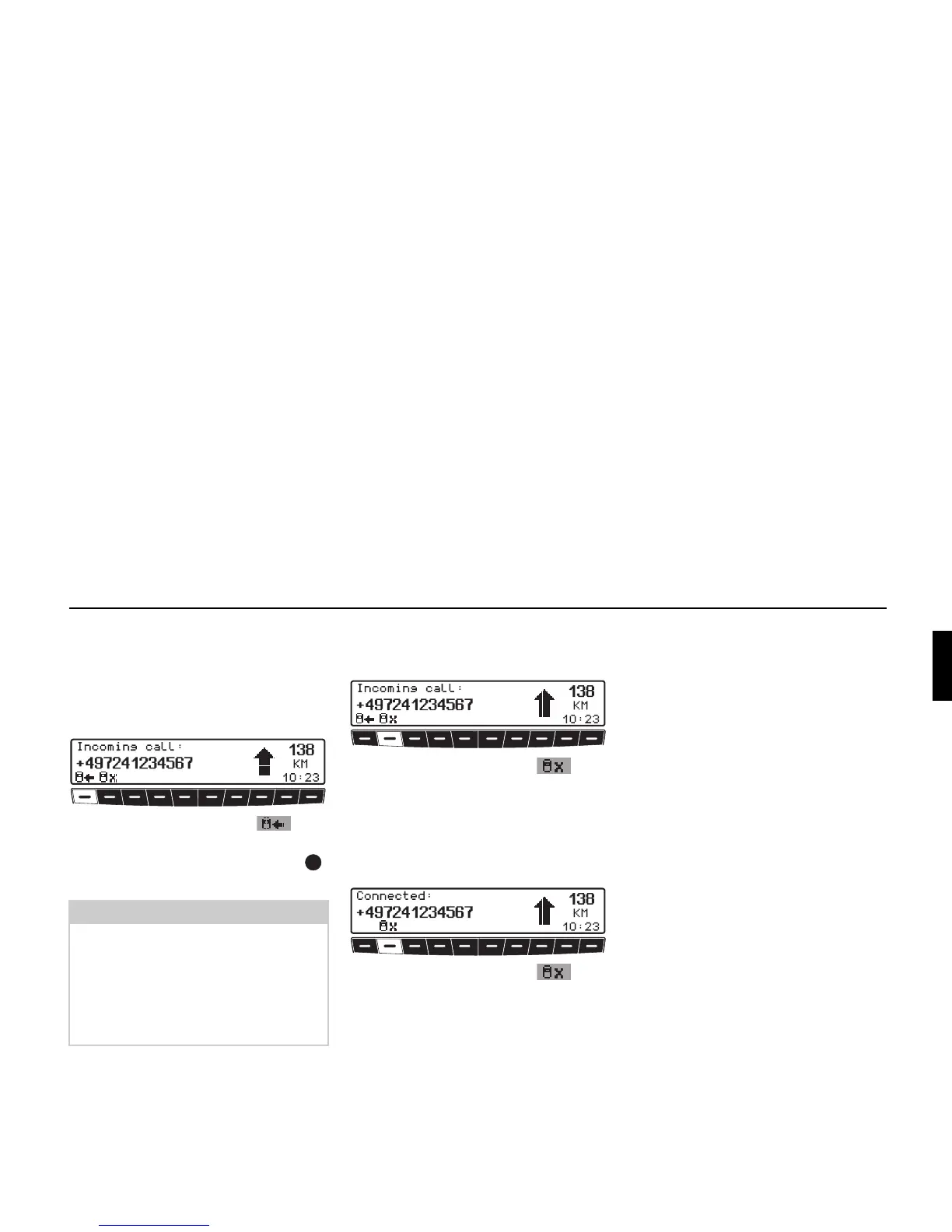
Accepting a call
An incoming call is indicated by a ring-
ing tone and a message in the display. If
the caller transmits his/her phone
number, this is also displayed.
! Press multifunction button .
or
! Press the right-hand rotary control .
The call is accepted.
Rejecting a call
You can reject an incoming call.
! Press multifunction button .
The signals indicating a call are ended.
The caller hears a busy tone.
Terminating a call
An ongoing call can be terminated.
! Press multifunction button .
The call is terminated. The telephone
menu appears.
Notes:
• If the caller transmits his/her phone
number, this is also displayed. If no
phone number is transmitted,
un-
known number
is displayed.
• During a telephone call, another call
is ignored.















 To Next Page