75
Telephone mode
Connecting mobile phone
The process of connecting a mobile
phone with Bluetooth® wireless tech-
nology to the Indianapolis Pro must be
started from the mobile phone. Follow
the descriptions in the operating guide
for your mobile phone.
The following contains a general de-
scription of this process.
! Switch on Bluetooth® on the mobile
phone.
! Initiate a search for devices with
Bluetooth® wireless technology from
the mobile phone.
! Select your Indianapolis Pro from the
displayed list.
Your mobile phone will then prompt you
to enter a password.
! On the mobile phone, now enter the
four-digit number displayed on the In-
dianapolis Pro next to
Passkey:.
! Confirm this number on your mobile
phone.
Your mobile phone will then attempt to
establish a connection to your Indiana-
polis Pro. Most mobile phones will pro-
vide you with confirmation that the con-
nection is successful.
You can now receive calls and dial num-
bers on the Indianapolis Pro itself.
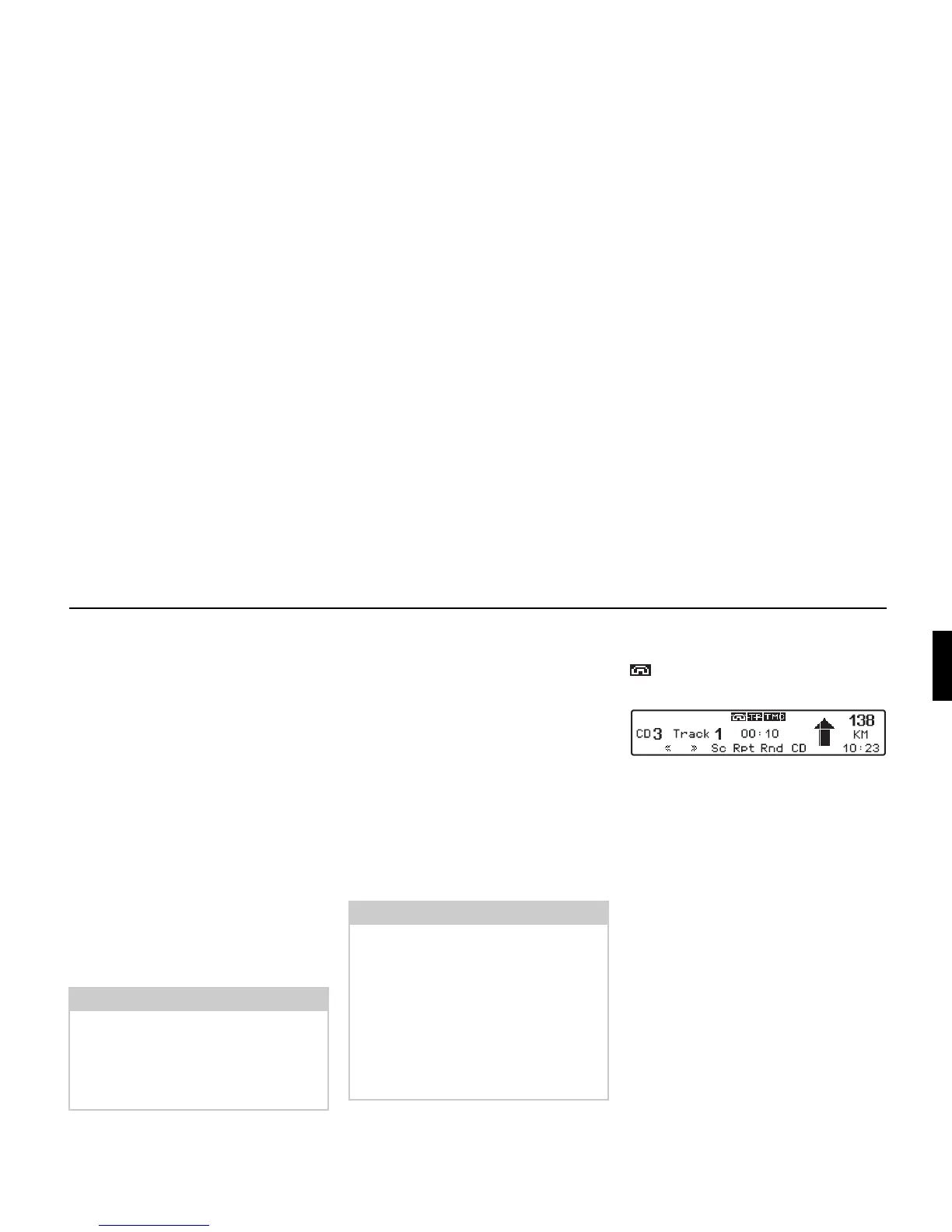
If a mobile phone with Bluetooth® wire-
less technology is connected, the symbol
is displayed in radio, CD, MP3 or
CD changer mode.
Note:
Please note that there is usually only a
very short period of time available to
enter the password. If this time period is
exceeded, the attempt to establish a
connection is aborted.
Note:
The Indianapolis Pro stores the last 5
mobile phones with
Bluetooth
® wireless
technology that were connected to the
device. When establishing a new con-
nection, you will not be required to enter
the password for the 5 stored mobile
phones. The list of stored mobile phones
can be deleted as described under "Blue-
tooth module reset" on page 84.















 To Next Page