32
Navigation mode
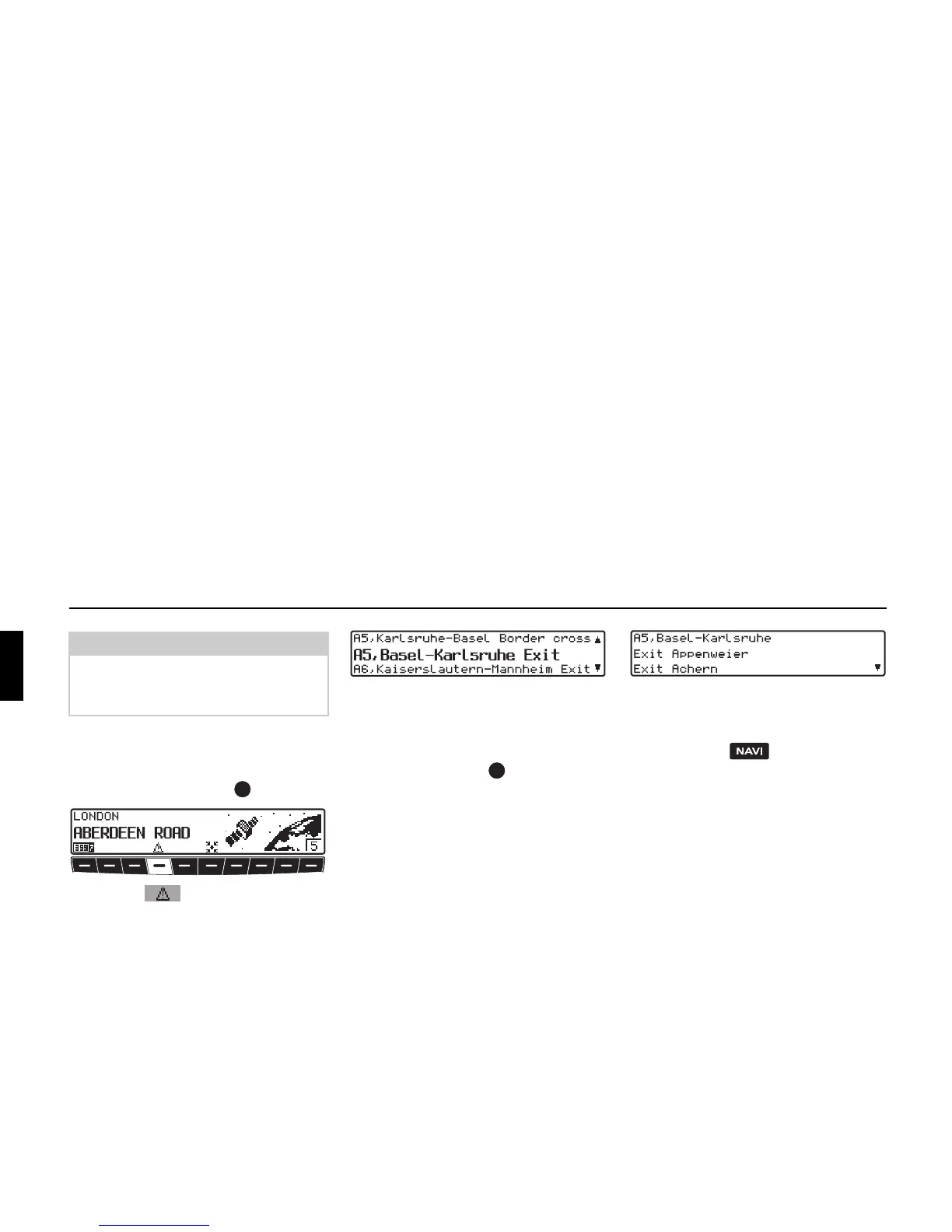
Information menu:
For inactive route guidance, the infor-
mation menu can be requested by press-
ing the left rotary control .
! Press the multifunction button.
A list of currently available traffic infor-
mation is displayed.
In the list of current traffic information,
more detailed information on the indi-
vidual announcements can be requested.
The scroll marks at the right edge of the
display indicate that additional traffic in-
formation is available.
! A selection can be made by turning the
right rotary control and pressing to
confirm.
After confirming the traffic information
desired, the information is shown in its
entirety. A typical traffic announcement
is shown as follows.
• a motorway or road number
• approximate direction information
• detailed location and direction infor-
mation
•the event
• the cause, if known
Scroll marks on the right side of the dis-
play indicate that more than 3 lines are
required for the traffic information.
! Pressing the button returns to
the list of the current traffic informa-
tion.
Note:
If no other traffic information is availa-
ble, NO TRAFFIC MESSAGES RE-
CEIVED
is displayed.















 To Next Page