32 VHF Transceiver 0638.420-071 Issue 06 02/2021
• The intercom operation can be started externally with an
intercom switch.
o The external intercom switch has priority.
During intercom operation the speaker output is disabled.
• The speaker always enabled (depends on wiring and
configuration).
• To enable/disable the speaker it is necessary to change to the
configuration (CFG1, CFG2*) with the related adjustment for
the speaker.
o An external mike switch is necessary to change between
the configurations CFG1 and CFG2.
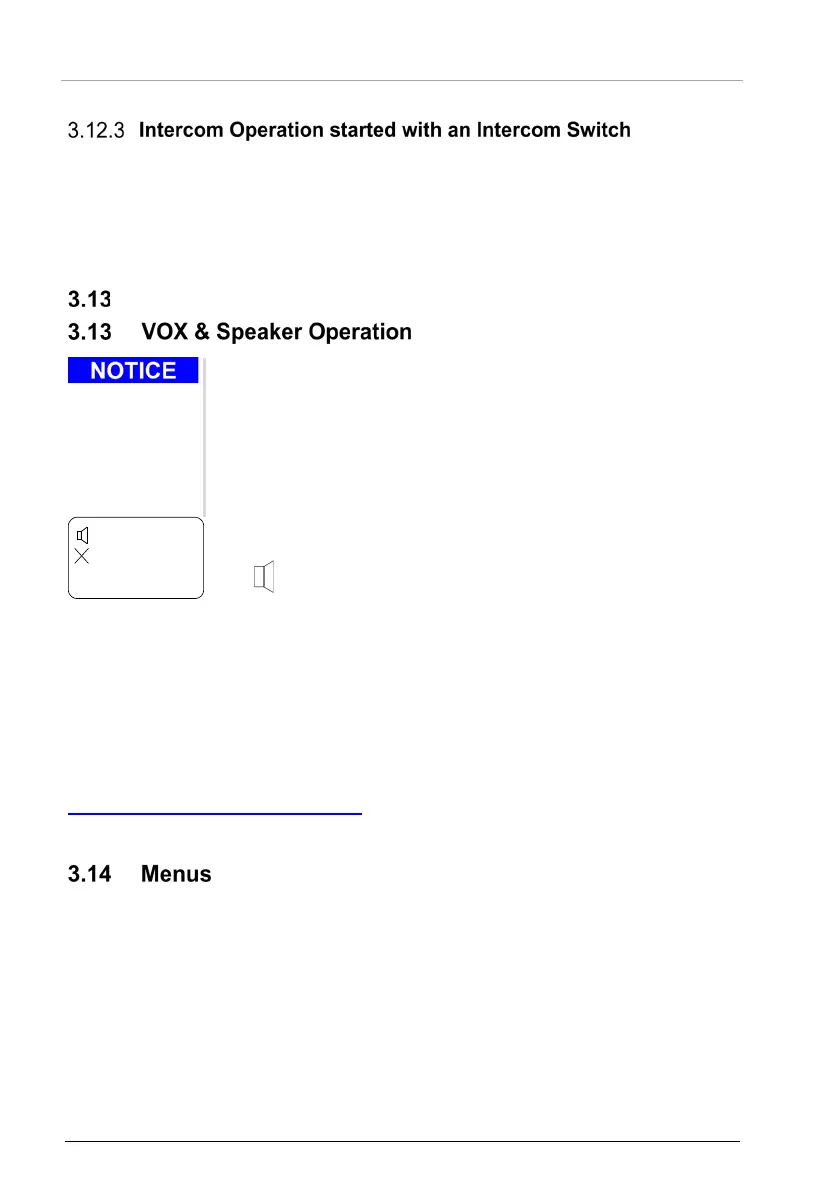
• When the speaker is enabled and not muted, the display will
show the loudspeaker symbol.
• When the speaker is enabled and not muted.
o VOX is forced "OFF".
Start of the intercom with VOX is not possible.
• In transmission mode the speaker output is muted ("OFF"), if:
o The intercom is started with the external intercom switch.
The power supply voltage is < 10 V.
* For details please refer to related manual:
http://www.becker-avionics.com/manuals/
Communication → VHF Transceiver
During normal operation in one of the frequency selection modes these menus are
available:
• The user menu,
it is for adjustments of panel brightness and squelch threshold.
• The intercom menu,
it is for adjustments of intercom volume and VOX threshold.



 To Next Page