Menus
34 VHF Transceiver 0638.420-071 Issue 06 02/2021
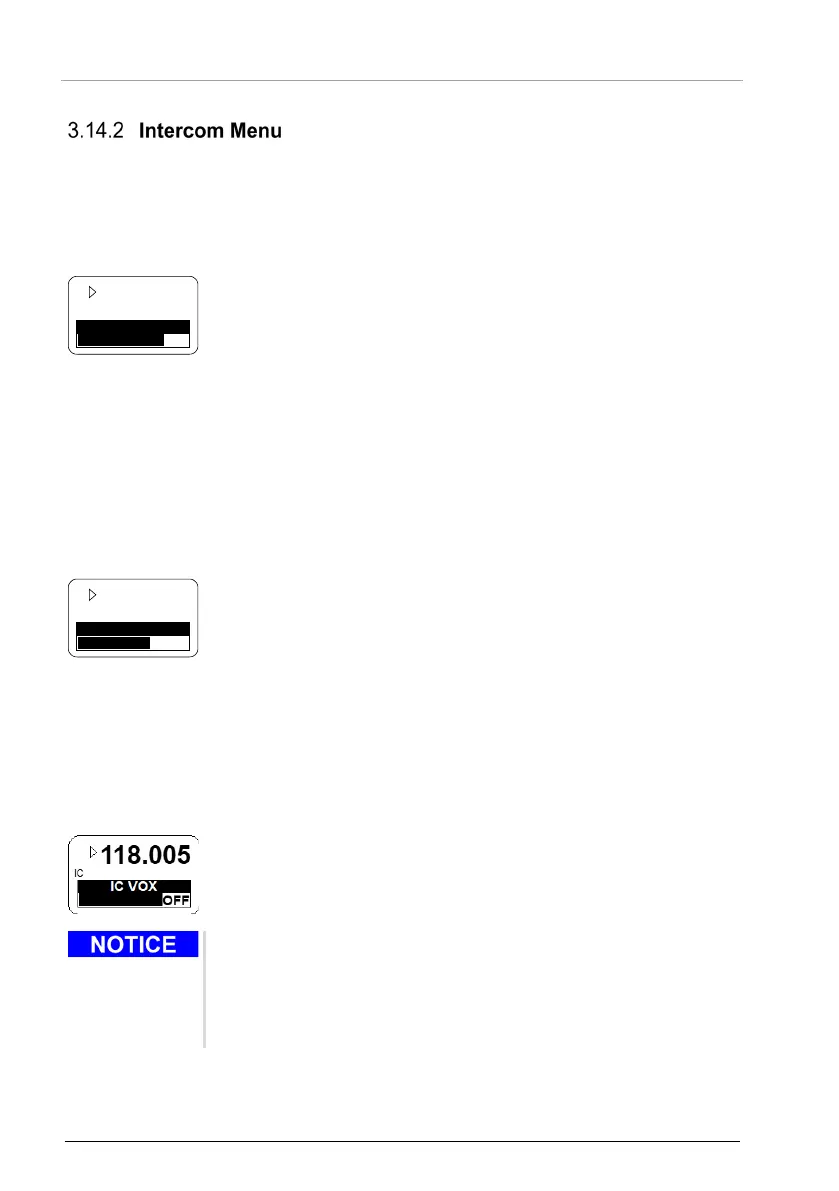
• A long push (>2 s) on "IC/SQL" key starts the intercom menu.
• The menu has two pages:
o IC VOLUME.
o IC VOX.
• A short push on " IC/SQL" key changes the pages.
• The display shows the active frequency in the top line.
• The adjustable value is shown as bar graph and as numerical
indicator in the bottom line.
• The intercom volume is adjustable from 0…46 (rotary
encoder).
o The intercom volume affects the intercom audio and
sidetone.
• The changes are active immediately.
Access to the VOX threshold level is not possible if VOX is forced "OFF".
Access to the VOX threshold level is not possible if the speaker is
enabled.
• The display shows the active frequency in the top line.
• The adjustable value is shown as bar graph and as numerical
indicator in the bottom line.
• The VOX threshold is adjustable from -30…+10 (rotary
encoder).
o -30, most sensitive, a very low microphone signal starts
the intercom operation.
o +10, less sensitive, only a high microphone signal starts
the intercom operation.
• The changes are active immediately.
• With an adjustment of >+10 is the VOX operation disabled.
o The word "OFF" replaces the numerical value indication.
o The activation of intercom operation with an external
intercom switch is still possible at any time.
• In tandem installation:
o The primary controller adjusts VOX threshold for first
intercom circuit.
o The second controller (RCU62X1) adjusts VOX threshold
for second intercom circuit.
• Automatically after 5 seconds timeout.
• Another long push (>2 s) on "MDE" key.



 To Next Page